Today I was (in a small way) involved in preparing an app (application) for deployment to Apple iOS devices. Even with my years of using Apple Macs, I have not really spent any time creating applications/programs for Macs past AppleScript / Apple Automator. With the chance to learn a new language and have some fun, it is time to learn Xcode and Swift!
I downloaded Xcode on my MacBook a few months back but haven’t got around to launching it (Python has been my thing for the last few weeks). Tonight I’m firing it up and going to give it a whirl and try and get it to display the classic “Hello World!”.
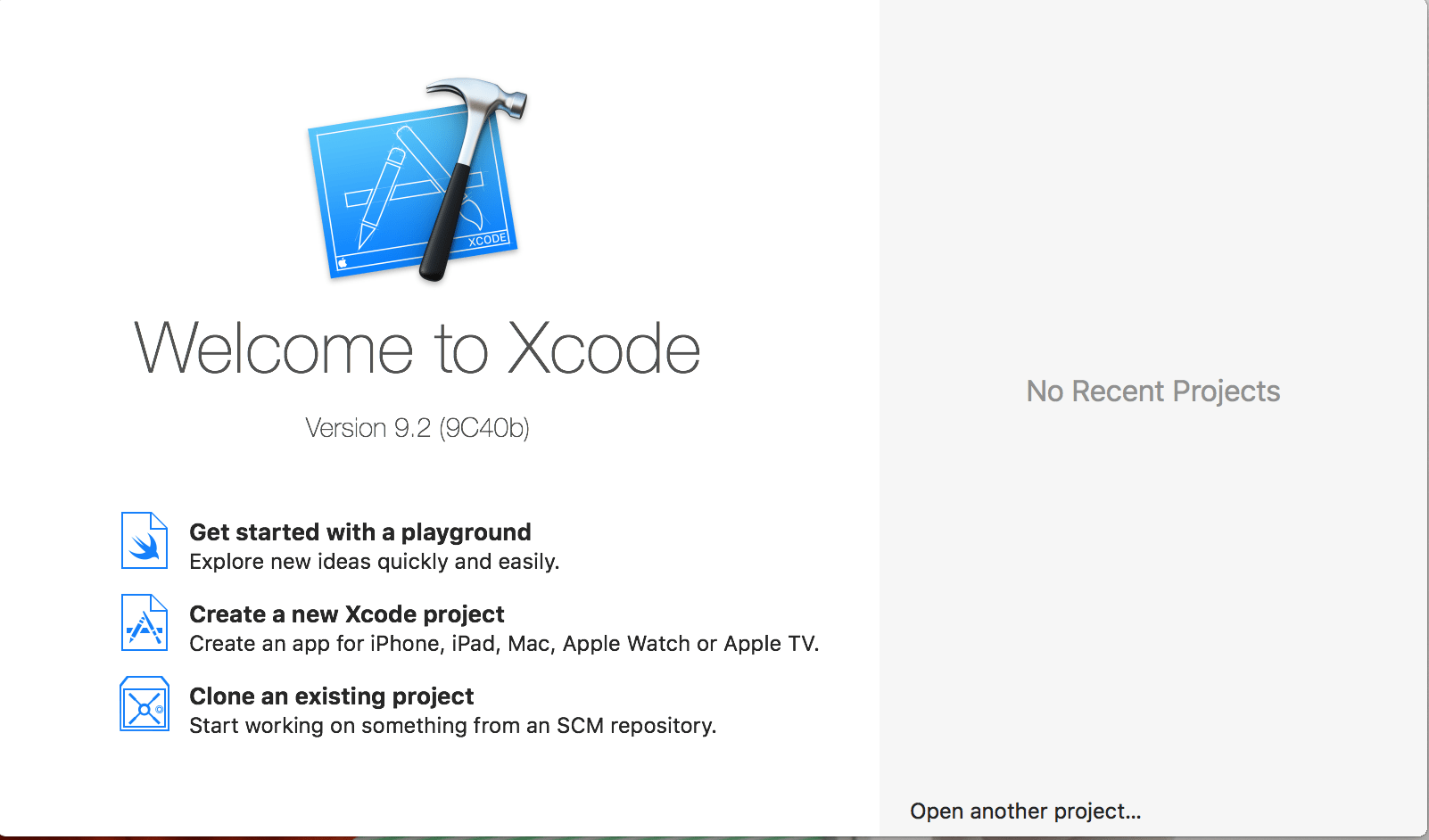
The initial splash for Xcode looks very different to the IDE that I’ve become used to with Python IDLE IDE. I decided to try creating a new Xcode project. After a few moments choosing to create an iOS app and signing in with my Apple account, I’m presented with a layout screen.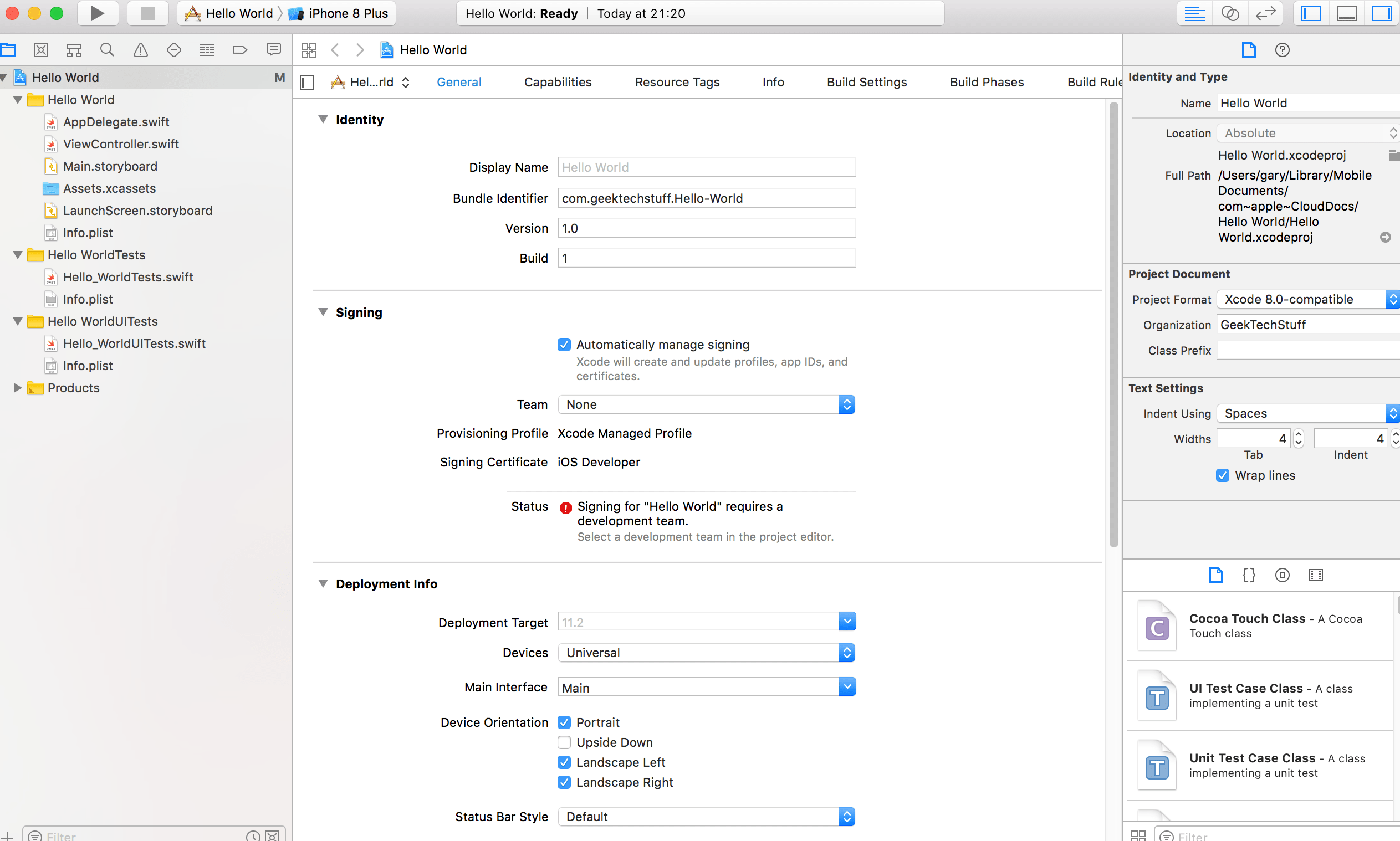
The left hand side of the screen is a navigation pane, containing folders and files. The “.swift” files, as the name suggests, contains swift coding.
 The “Main.storyboard” allows for layouts to be created, including text labels:

Clicking Product > Run (or pressing APPLE R keys) allows for Xcode to simulate an iOS device:
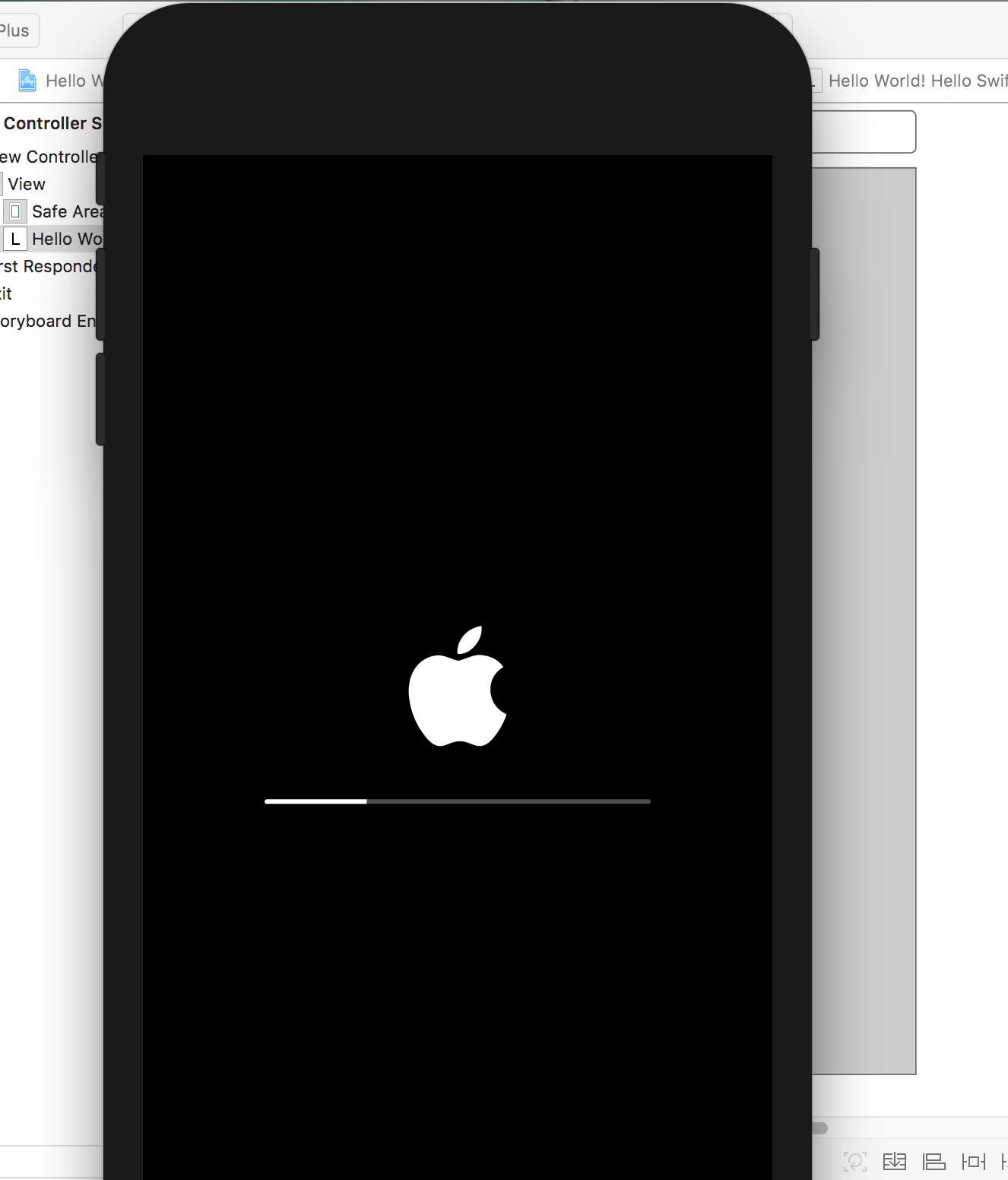
And it displays the text label:
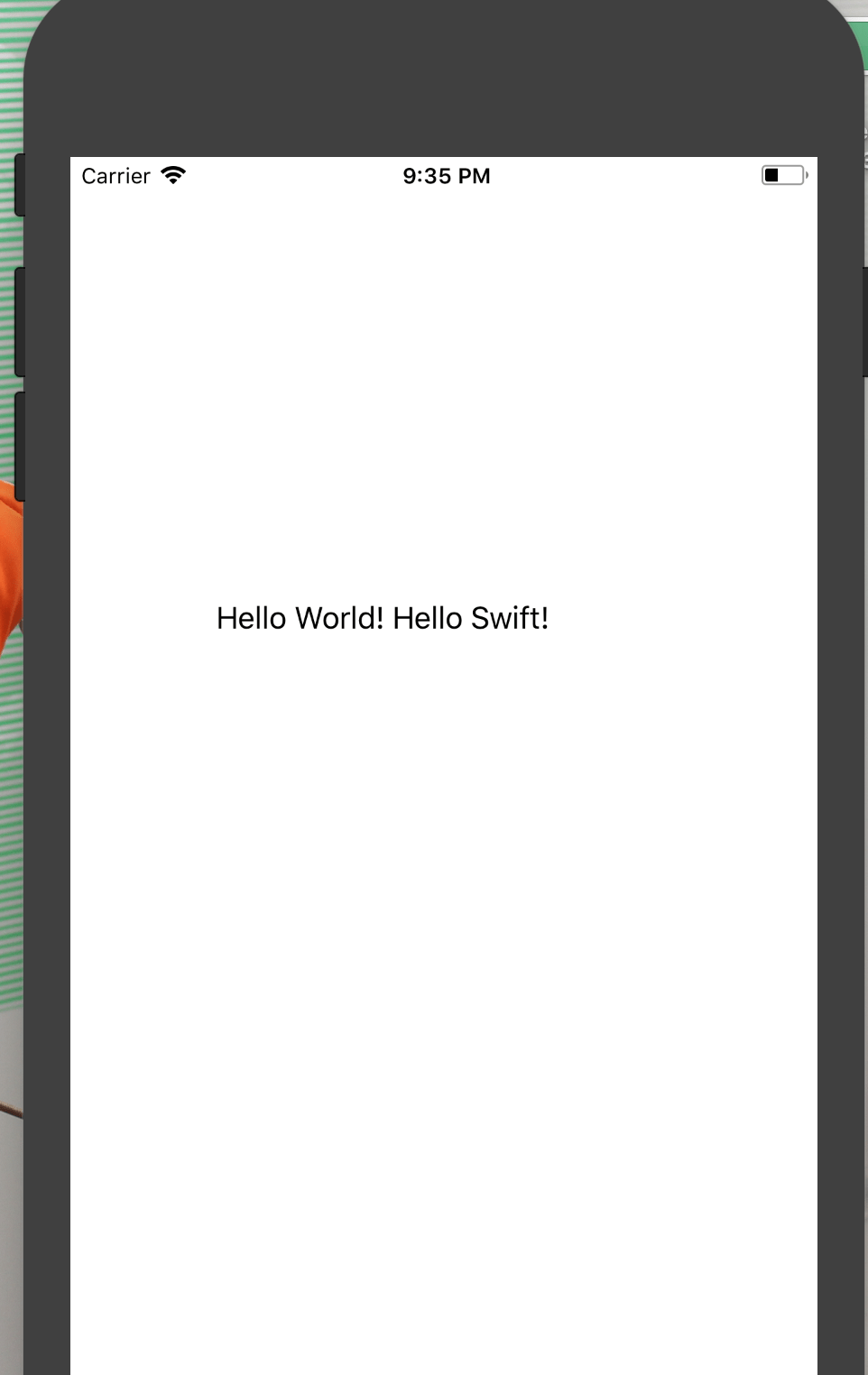
This is just a label being displayed, next up I hope to give Swift itself a whirl and code it to say Hello World.
So what is Swift? Swift is Apple’s programming language based on Objective C. I’m hoping that I can leverage my Python skills and use them to get a foothold in Swift for some fun 🙂
The Wikipedia page for Swift can be found at: https://en.wikipedia.org/wiki/Swift_(programming_language)
The Apple Developer page for Swift can be found at: https://developer.apple.com/swift/



 GeekTechStuff
You must be logged in to post a comment.