
So I’ve had a quick play with Xcode and Swift on the Mac, and that got me thinking about Android. Android apps are built more on Java rather than C, and I’ve dabbled with Java in the past so lets see what I can do.
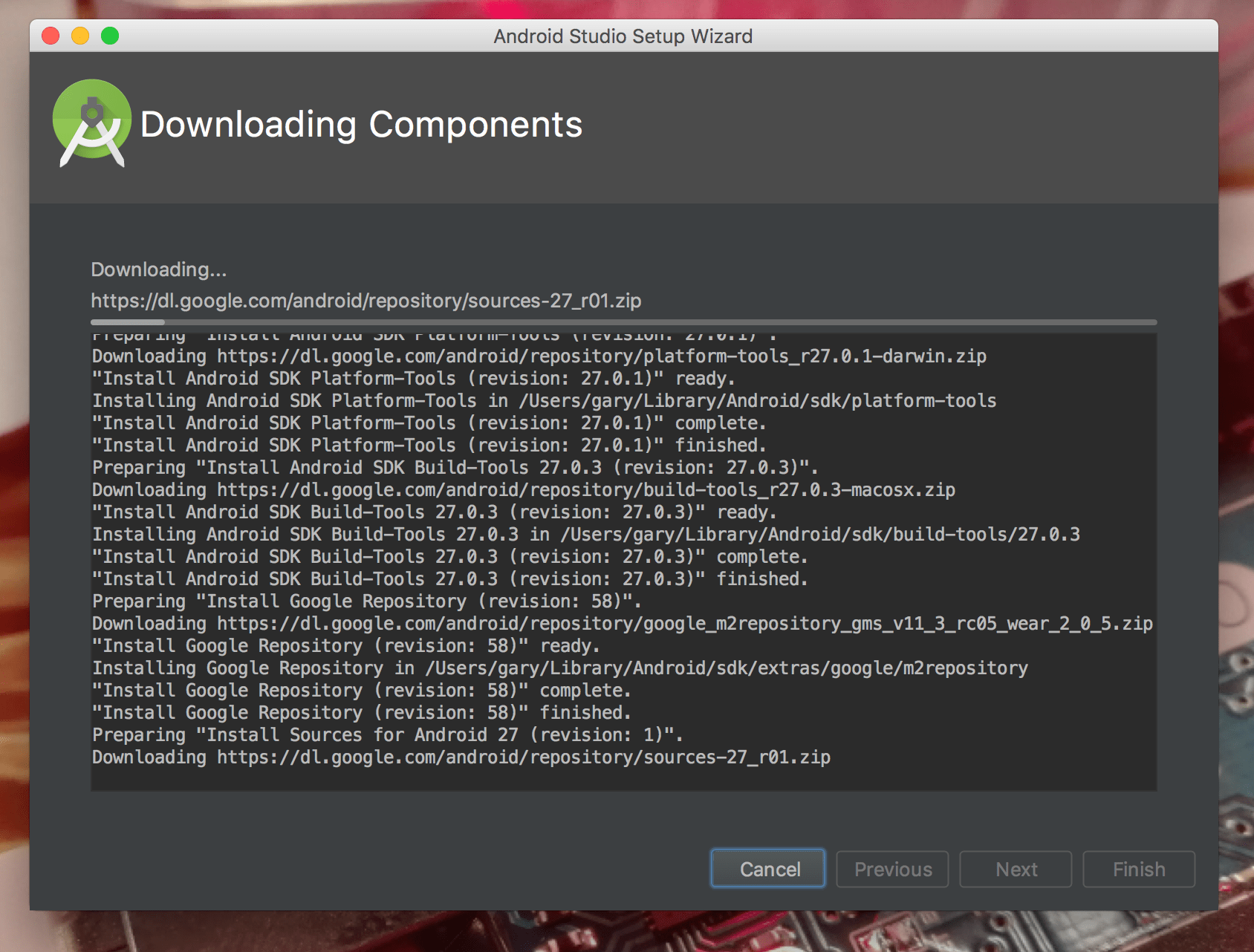
I downloaded Android Studio 3 from https://developer.android.com/ and installed it on my Mac. I fired up an ran the studio with the default settings, creating a “test” application.

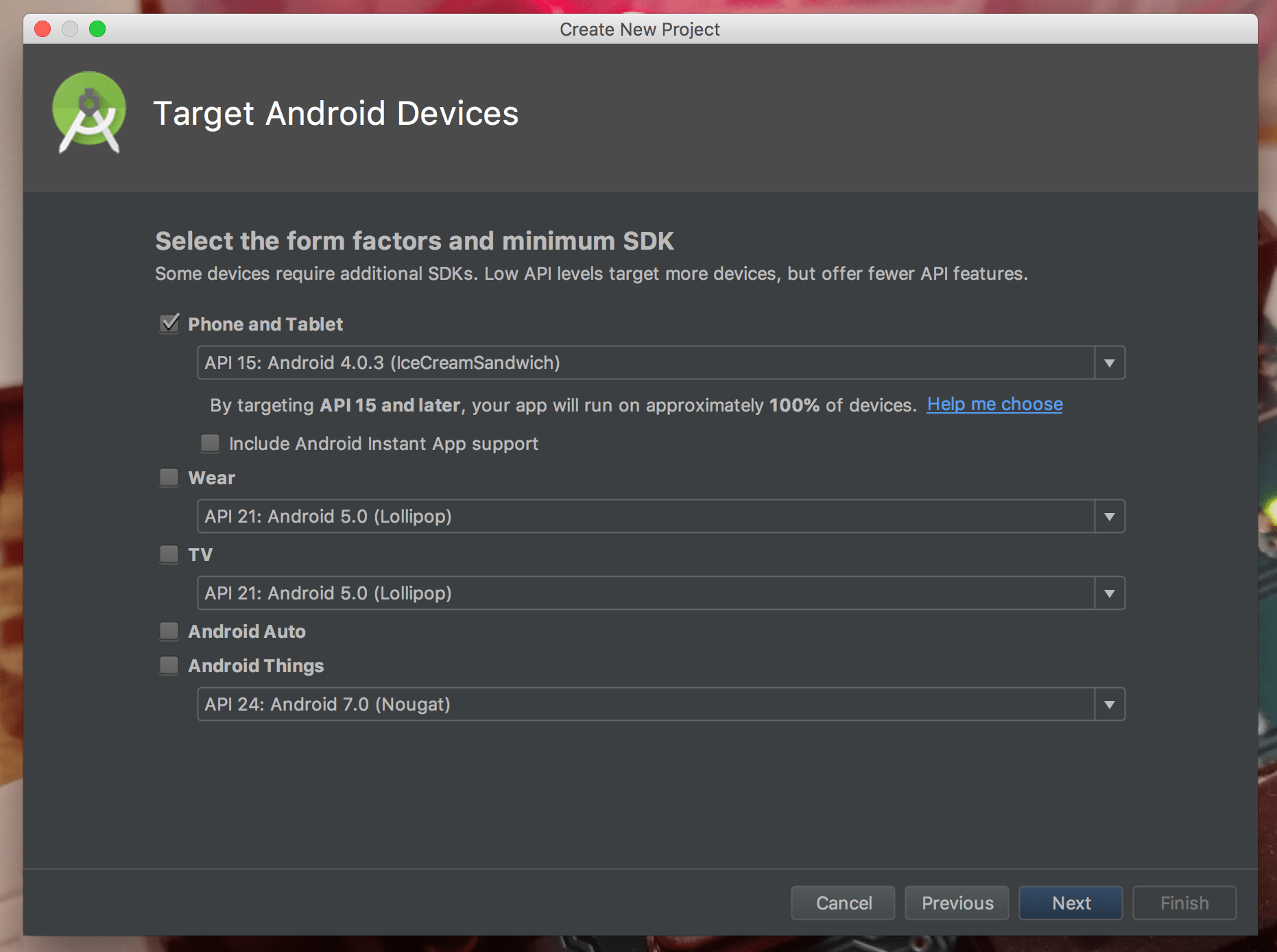
On my Mac (a basic MacBook from 2016) the app creation process took a few minutes.
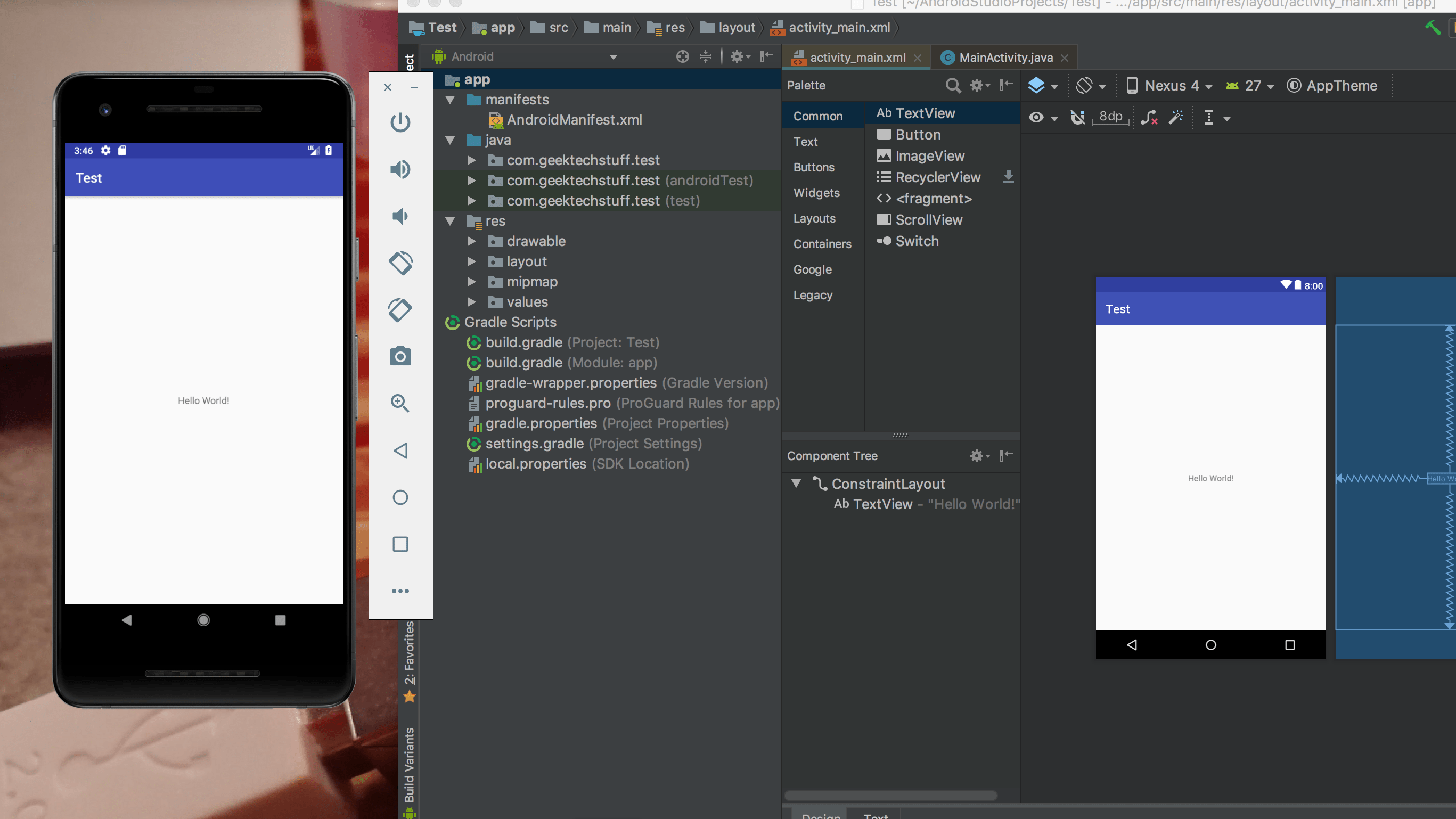
The default settings include a quick “Hello World” application and Android Studio (just like Xcode) allows you to test an app on a virtual / simulated device – in my case a virtual Pixel 2.
After a bit of investigation I knocked up a small app that displays geektechstuff.com:
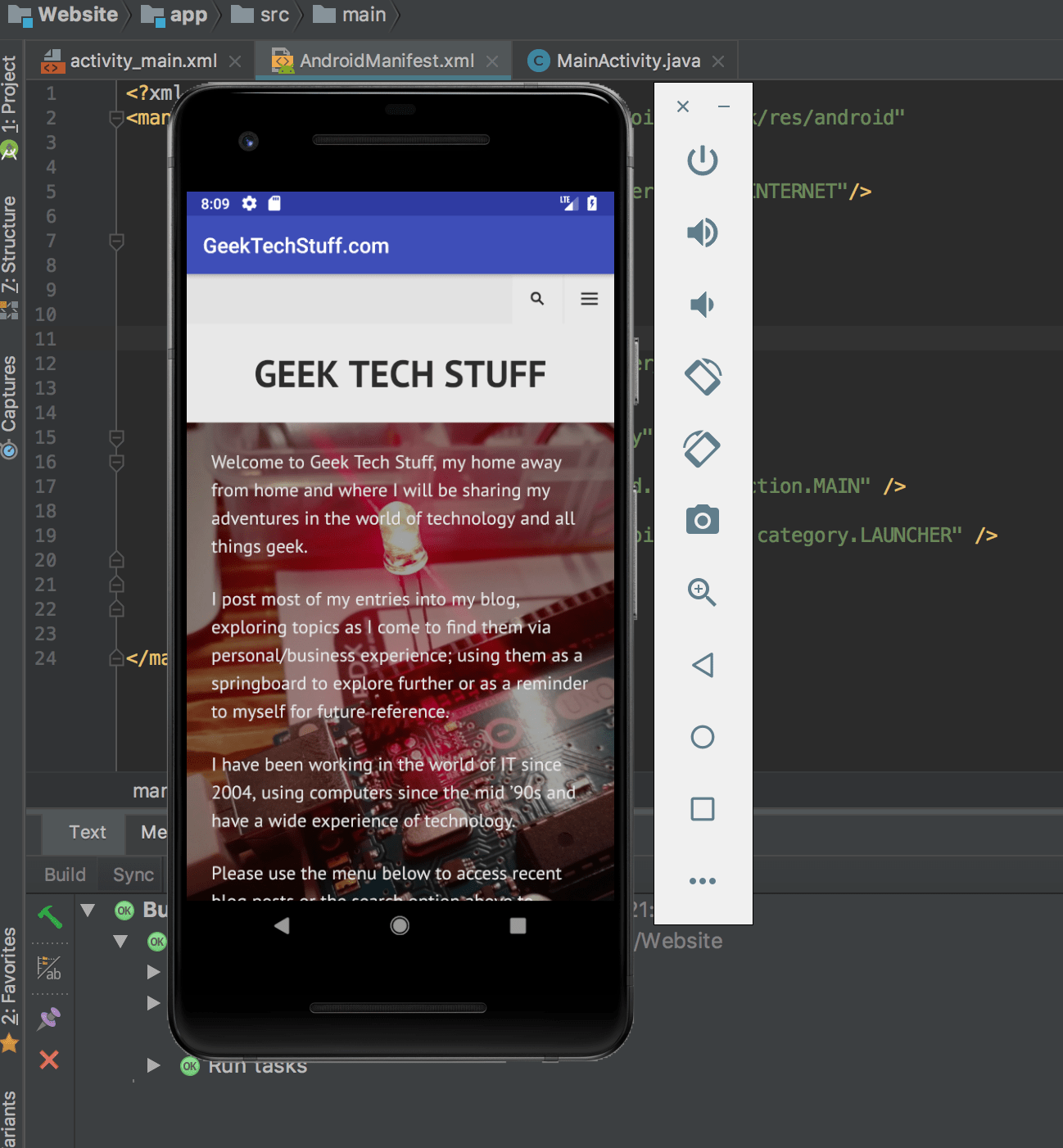
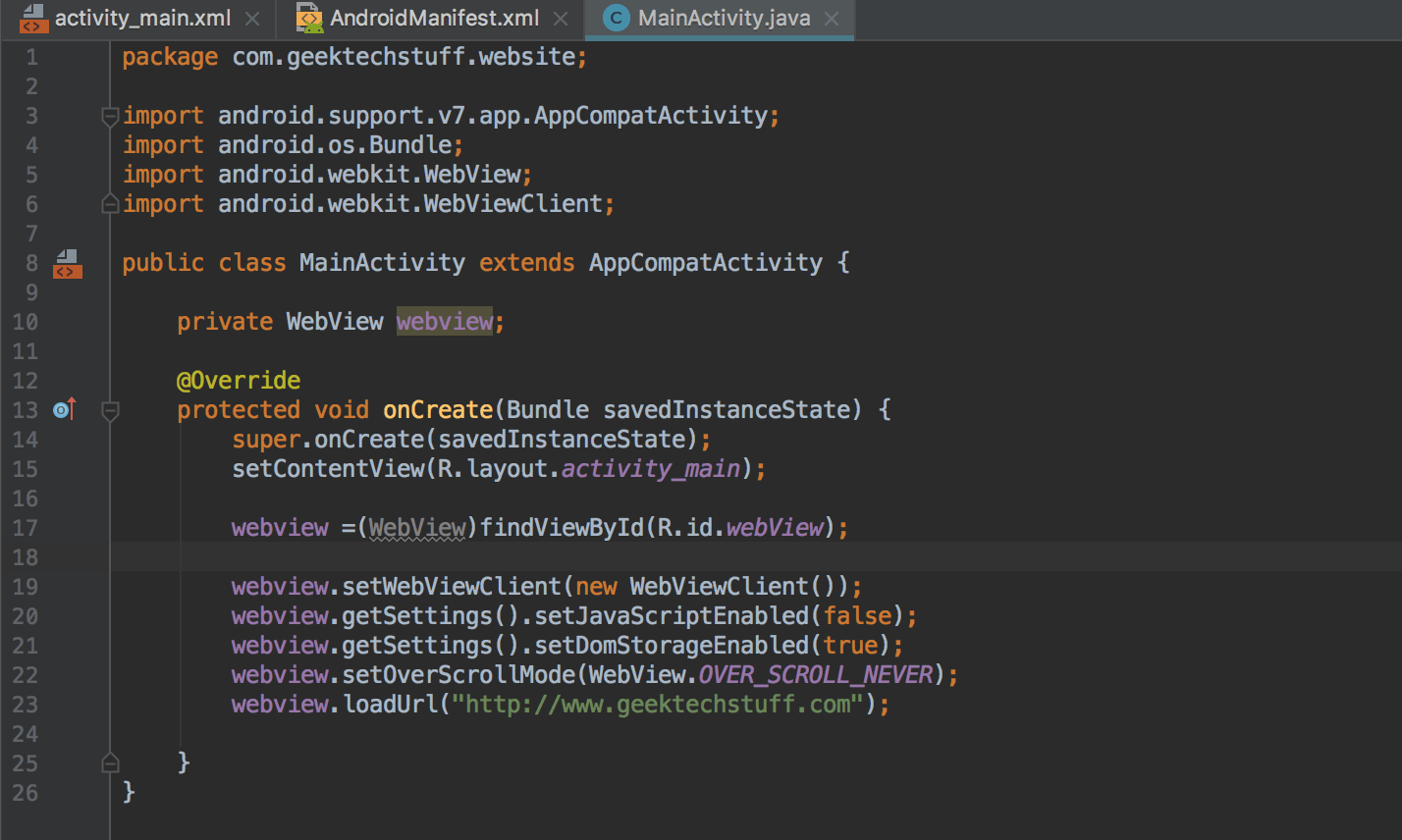
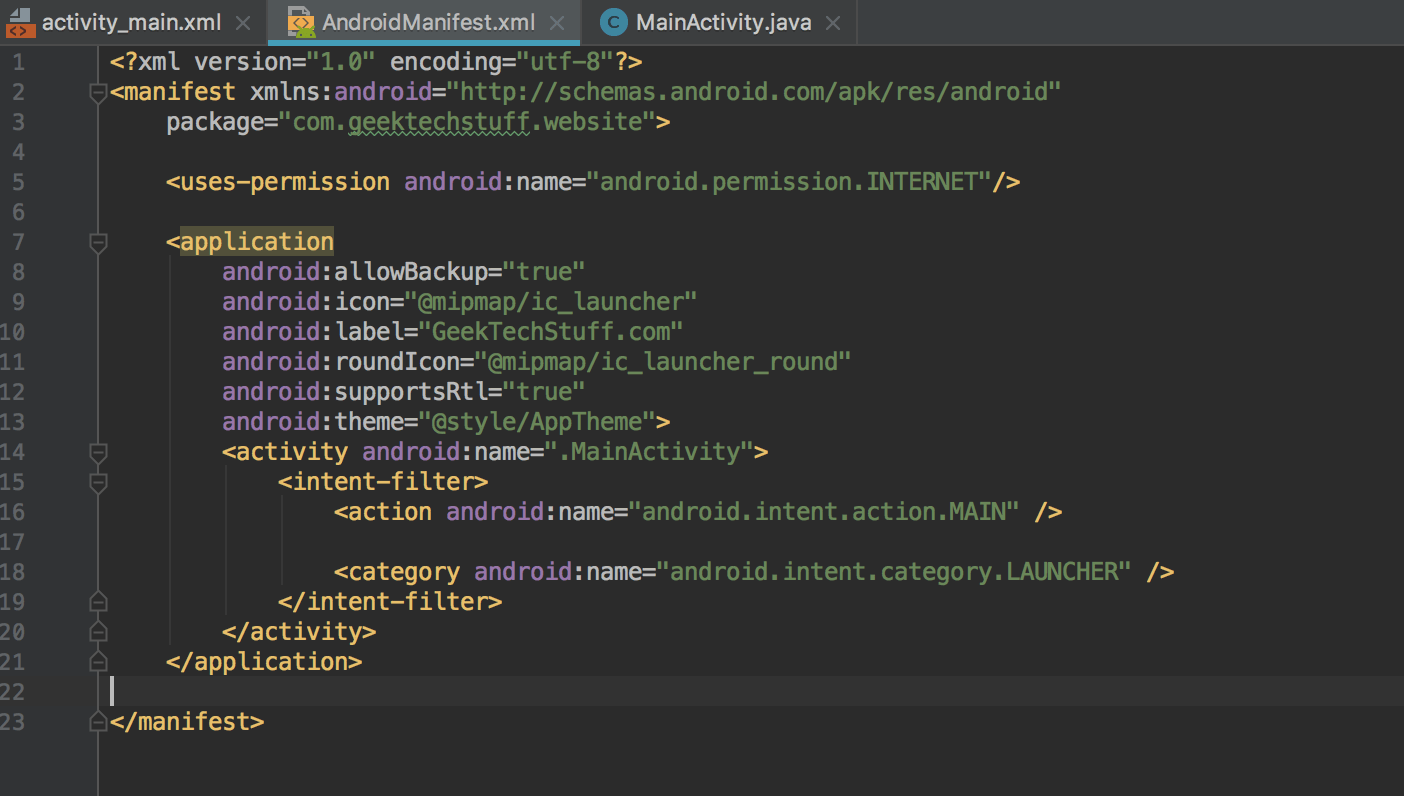
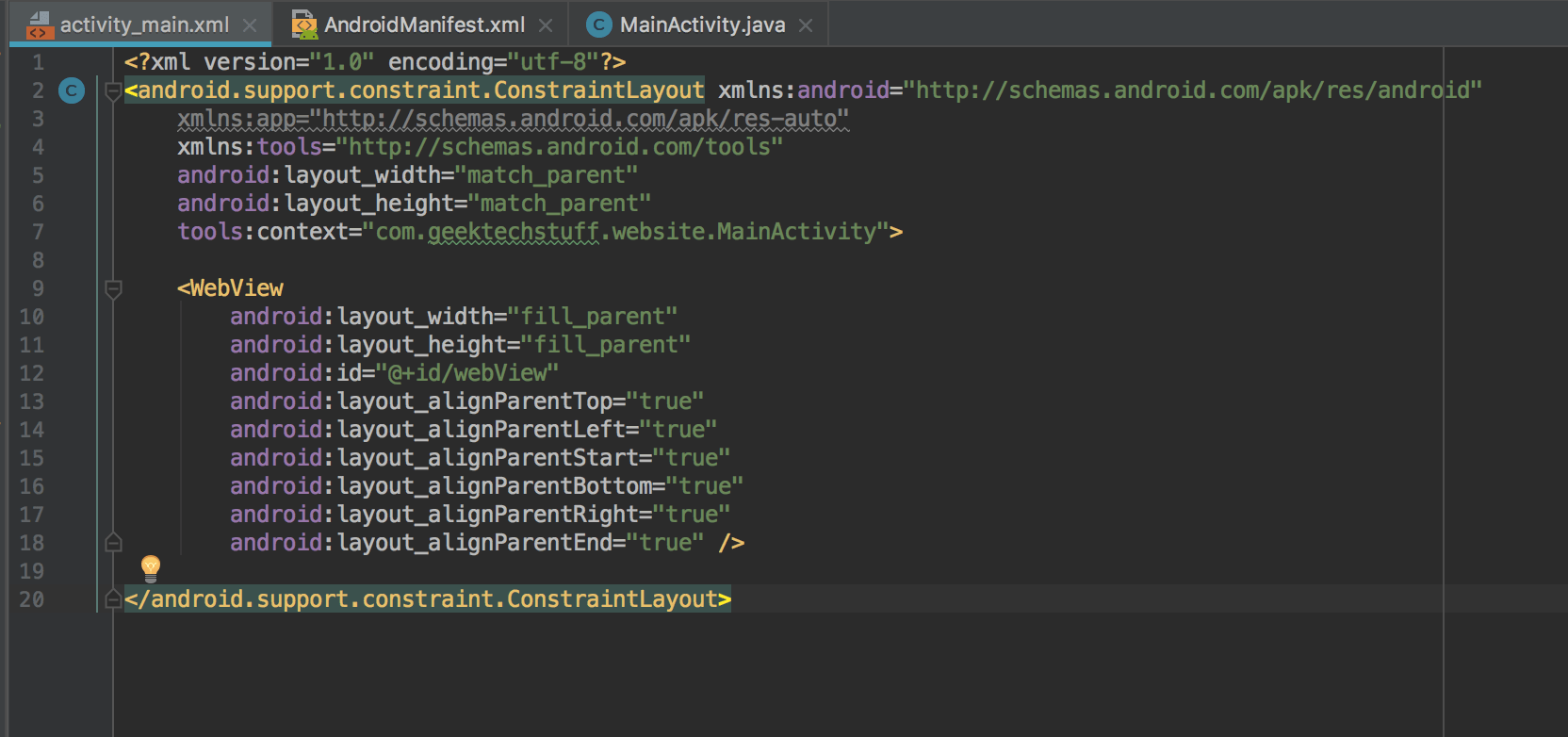
The app is made up of 3 libraries:
- activity_main.xml
- AndroidManifest.xml
- MainActivity.java
The 2 .xml files are eXtensible Markup Language files, and the .java file is a Java file.



 GeekTechStuff
One response to “Android Studio / Android App”
[…] an introduction to Java course via MadLab, and other than dipping into Java whilst looking at Android development I have not really looked at the Java language. However in recent times I’ve been dabbling […]
LikeLike