
Yesterday I looked at using the tkinter module of Python to create a file browser GUI , and it has inspired me to relook at the PDF Merge program I did a while back.
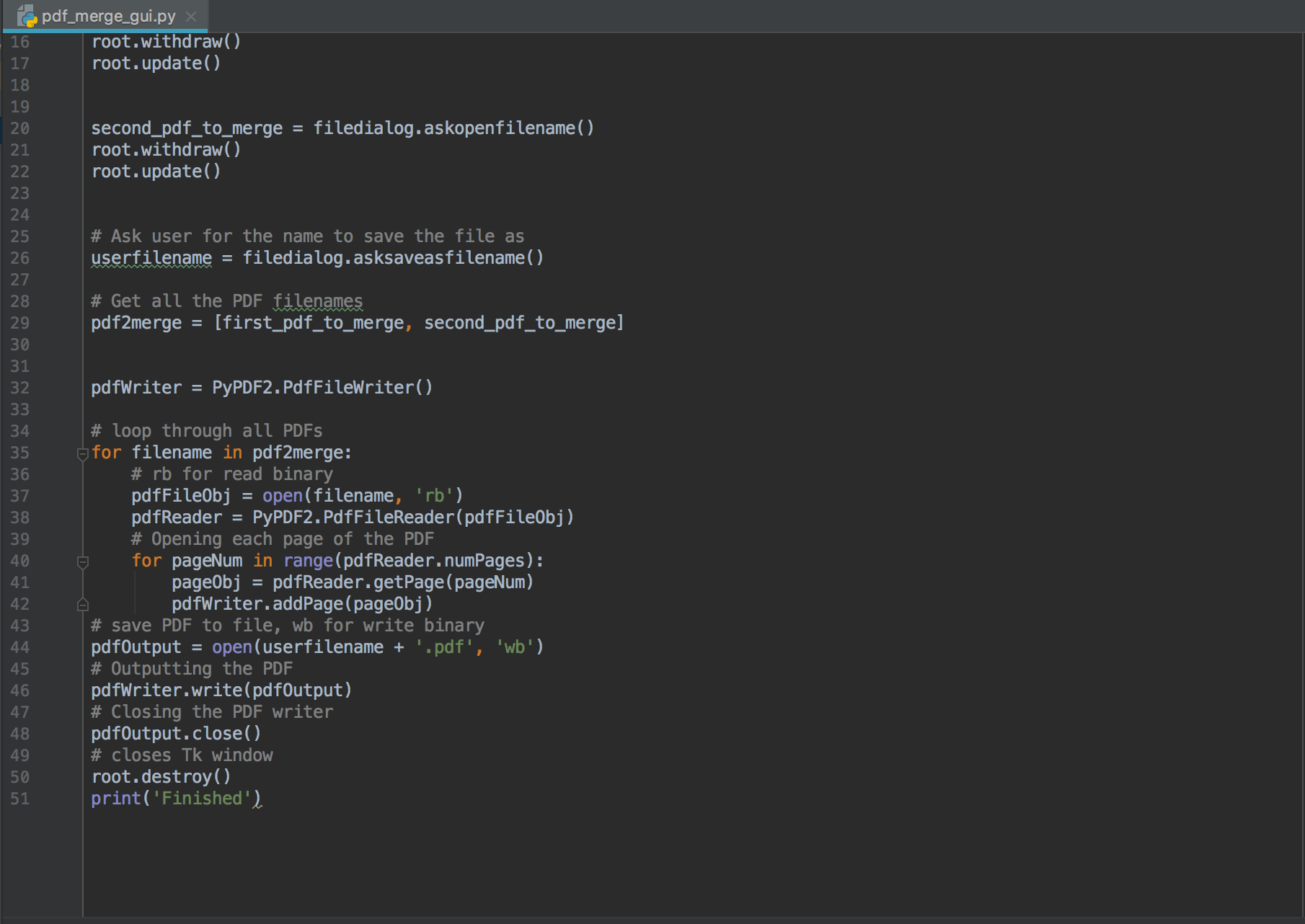
My first attempt (worked on over a lunch break) at a GUI driven PDF merge program is below, I’ve tested it and it works but I still feel there is work to be done to a) make it look nicer and b) give the user more information.
#!/usr/bin/python3
# geektechstuff

# libraries to import
from tkinter import *
from tkinter import filedialog
import PyPDF2

# creates Tk window
root = Tk()
root.update()
root.withdraw()

# Ask user where the PDFs are
first_pdf_to_merge = filedialog.askopenfilename()
root.withdraw()
root.update()


second_pdf_to_merge = filedialog.askopenfilename()
root.withdraw()
root.update()


# Ask user for the name to save the file as
userfilename = filedialog.asksaveasfilename()

# Get all the PDF filenames
pdf2merge = [first_pdf_to_merge, second_pdf_to_merge]


pdfWriter = PyPDF2.PdfFileWriter()

# loop through all PDFs
for filename in pdf2merge:
    # rb for read binary
    pdfFileObj = open(filename, 'rb')
    pdfReader = PyPDF2.PdfFileReader(pdfFileObj)
    # Opening each page of the PDF
    for pageNum in range(pdfReader.numPages):
        pageObj = pdfReader.getPage(pageNum)
        pdfWriter.addPage(pageObj)
# save PDF to file, wb for write binary
pdfOutput = open(userfilename + '.pdf', 'wb')
# Outputting the PDF
pdfWriter.write(pdfOutput)
# Closing the PDF writer
pdfOutput.close()
# closes Tk window
root.destroy()
print('Finished')







 GeekTechStuff
One response to “PDF Merge – With GUI (Python)”
[…] small change to yesterday’s PDF Merge with GUI. The below now asks the user how many PDFs they want to merge, and then loops through the process […]
LikeLike