I’ve wanted for a while to interact with Twitter without using the website or the mobile app, and as Twitter offers several APIs I have decided to dip in and see what Python can do with Twitter.
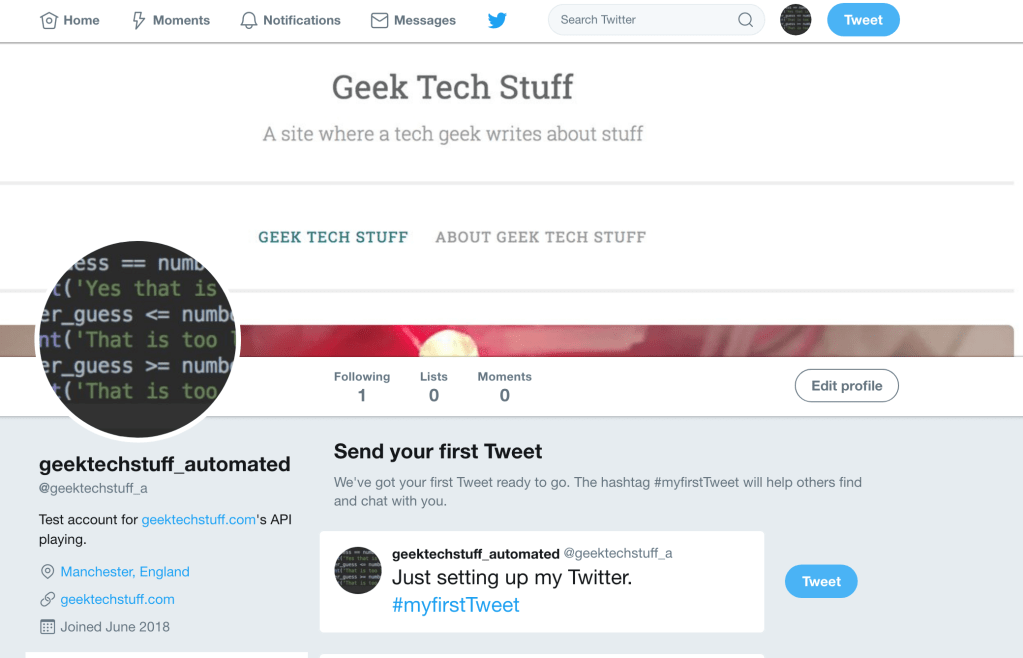
I didn’t want to use my regular Twitter account (@geektechstuff) as I like using that account for me and don’t want it automated in anyway. I have created a new Twitter account just for testing the APIs and testing some automation, this account is called @geektechstuff_a (for automated).
With the @geektechstuff_a account created and it’s e-mail address verified it was time to visit apps.twitter.com ; which on initial log on was very blank….
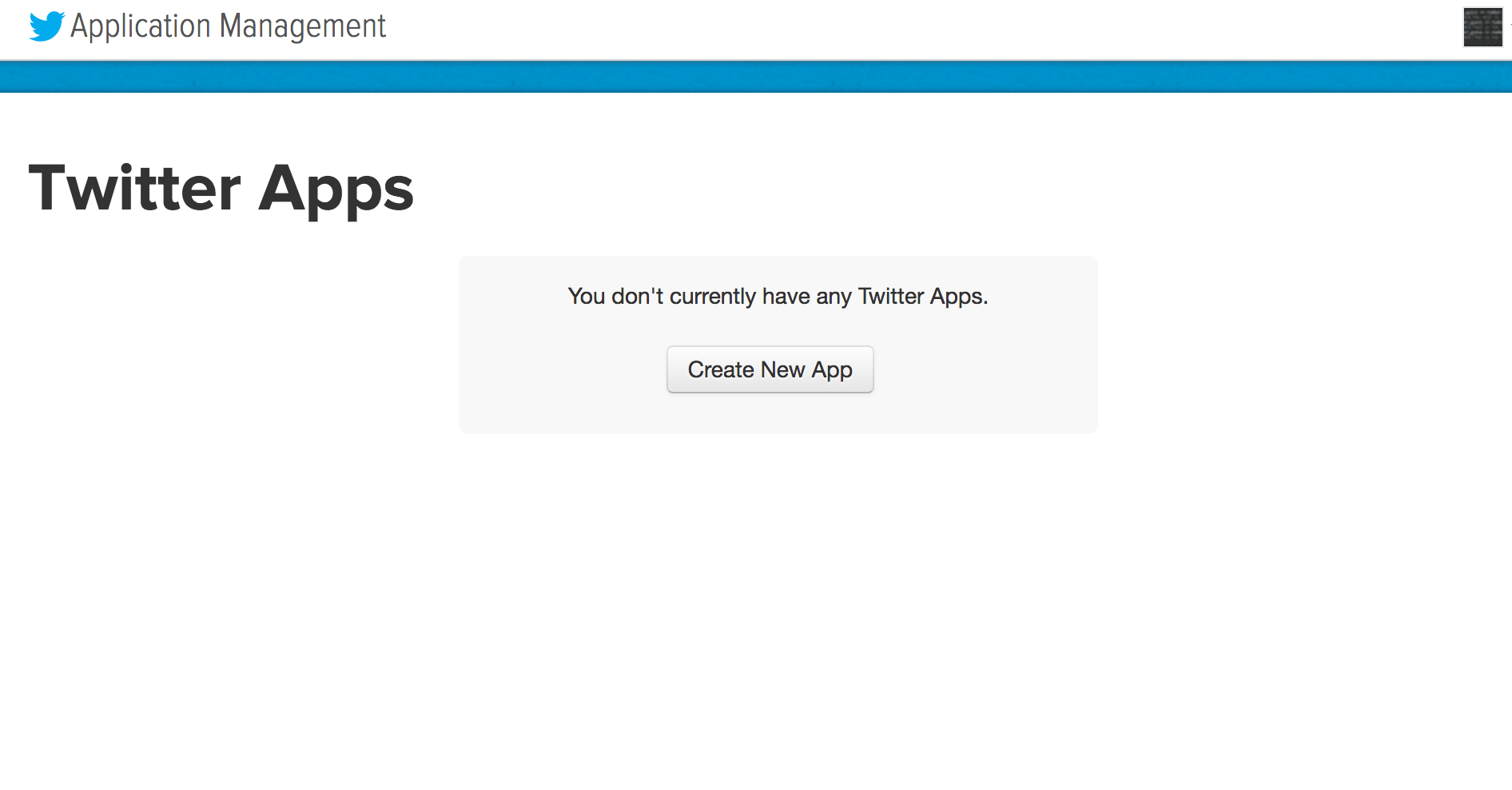
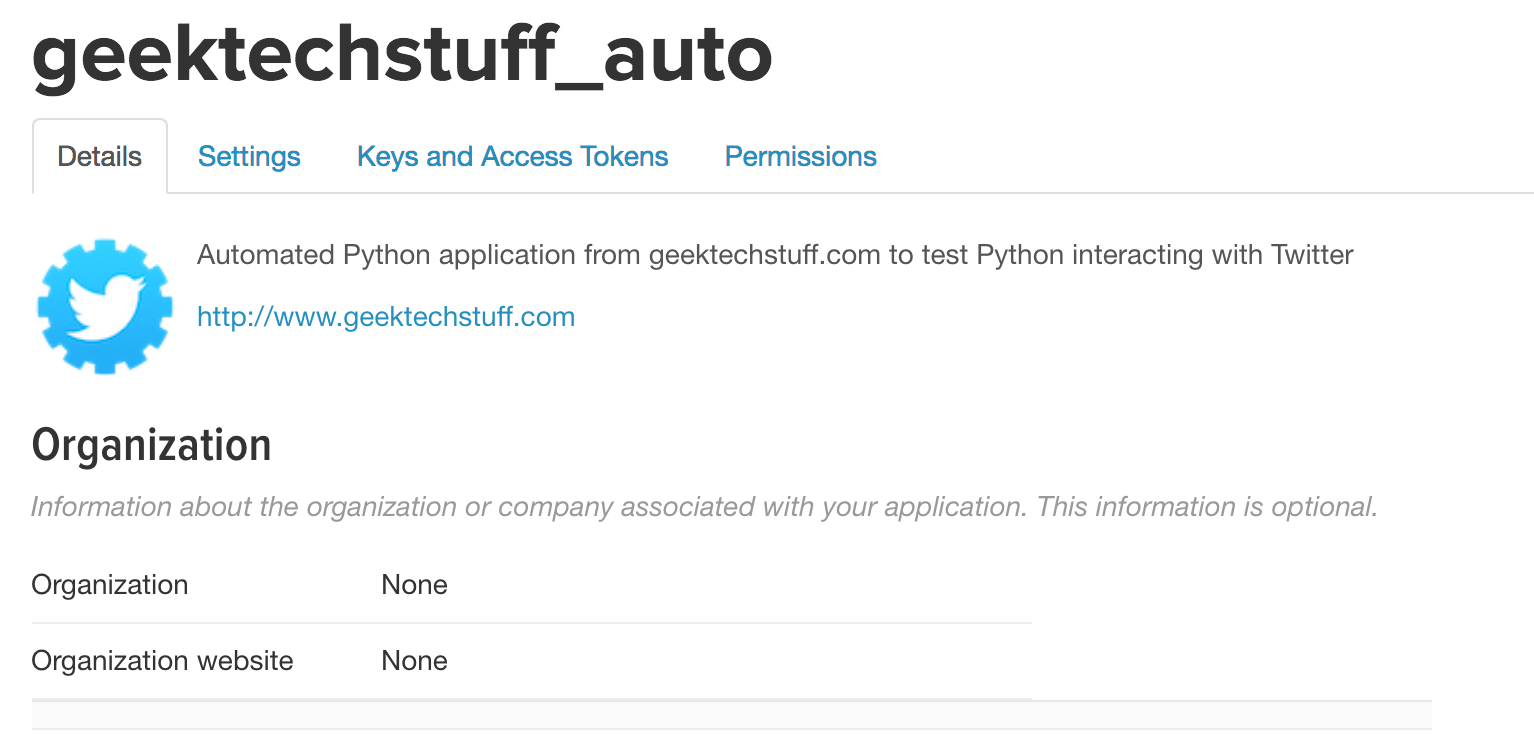
Clicking on “Create New App” launched a small application form asking for details about my proposed application, so far so good. With the details filled in I hit my first stumbling block…

…my account needs a mobile number tied to it. It took a while (needed to drop the leading 0 off of my mobile number, and remove it from my original account) but finally I got my Twitter application access, with the relevant API keys !
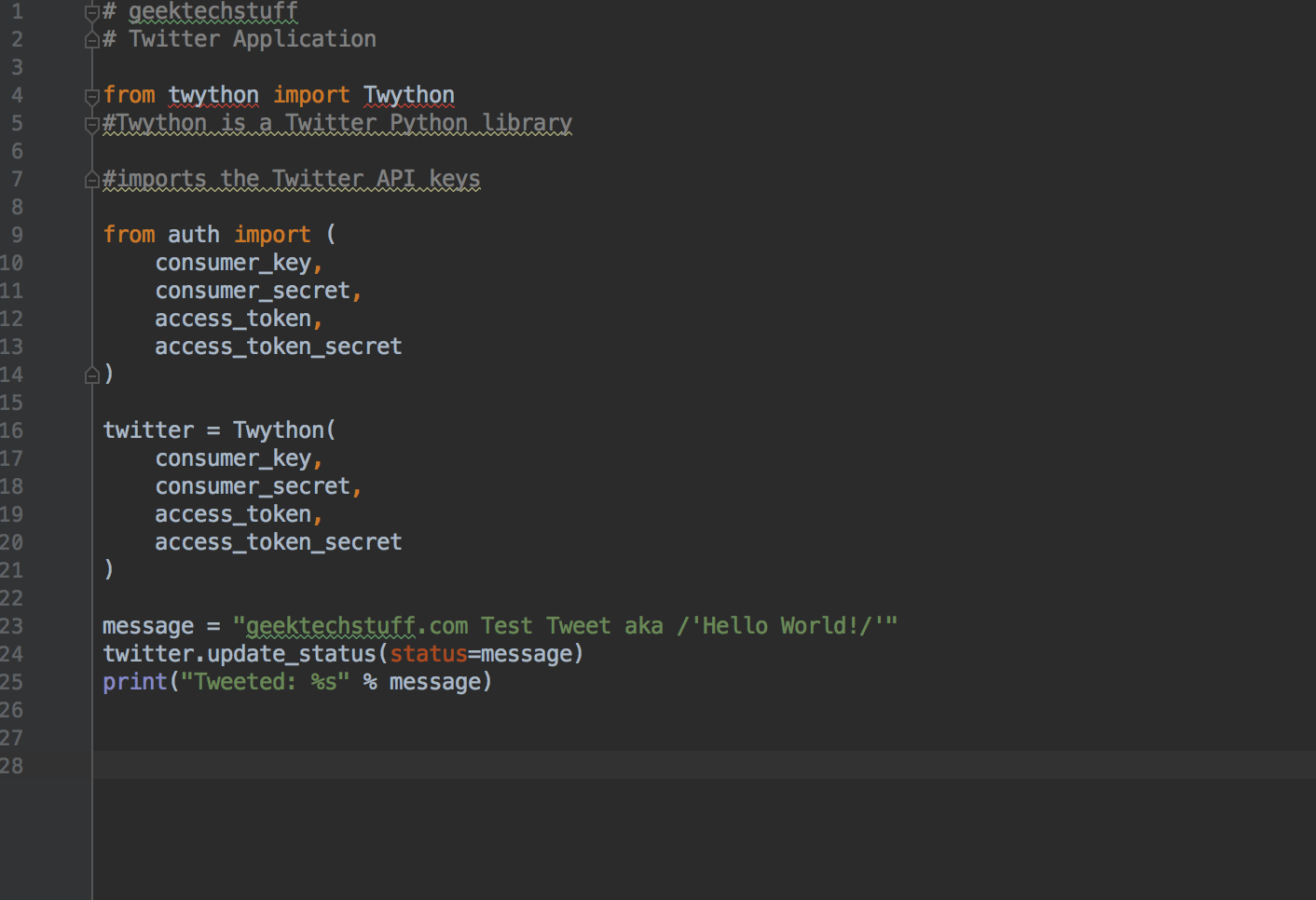
The next step was to create some Python code. I placed my API keys into a file that Python could call on (never give out your API keys!) and fired up PyCharm to do some Python coding. I looked to https://projects.raspberrypi.org/en/projects/getting-started-with-the-twitter-api/ for some help and used the Twython Python Library.
# geektechstuff
# Twitter Application

from twython import Twython
#Twython is a Twitter Python library

#imports the Twitter API keys

from auth import (
    consumer_key,
    consumer_secret,
    access_token,
    access_token_secret
)

twitter = Twython(
    consumer_key,
    consumer_secret,
    access_token,
    access_token_secret
)

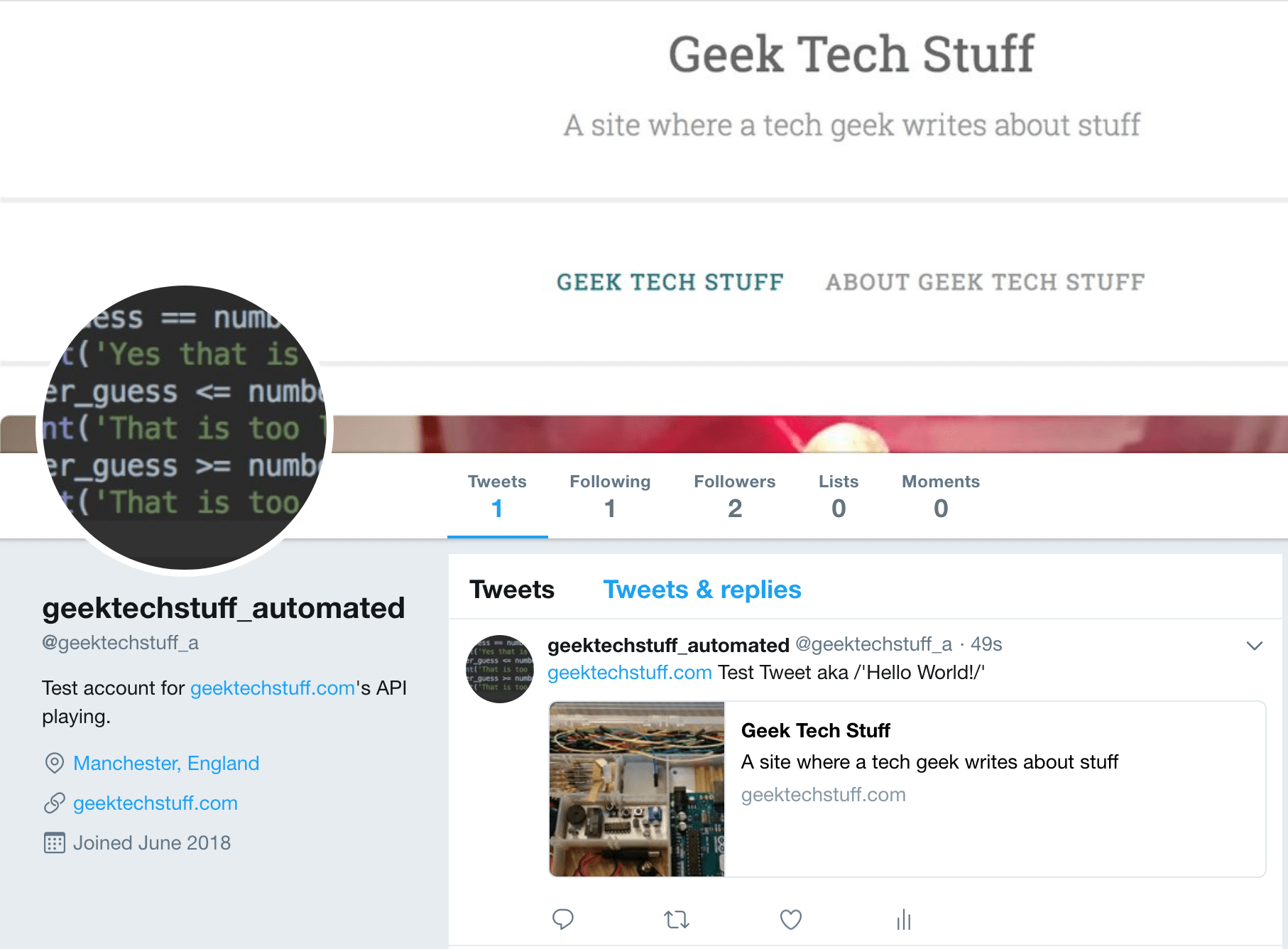
message = "geektechstuff.com Test Tweet aka /'Hello World!/'"
twitter.update_status(status=message)
print("Tweeted: %s" % message)
And on the first run of the Python code…SUCCESS!



 GeekTechStuff
One response to “Twitter and Python”
[…] on yesterday’s fun with Twython, today I looked to expand my Python program (temporary commentating out the option to […]
LikeLike