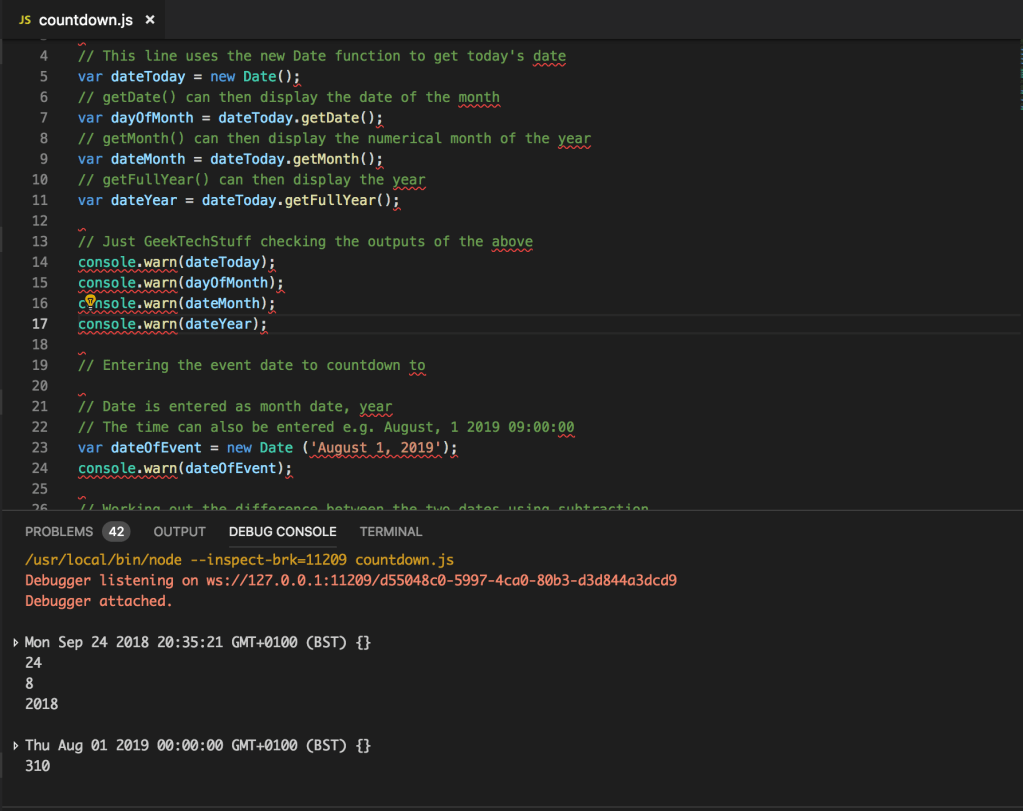
JavaScript has a function called Date() which can either return todays date (24th September 2018 as I write this) or be used to set a date. August 2019 has an important event for me, so I decided to use JavaScript to create a countdown that counts how many days are left until the 1st August 2019.
Whilst creating the countdown I had a little fun showing off the various methods that can be used with Date()
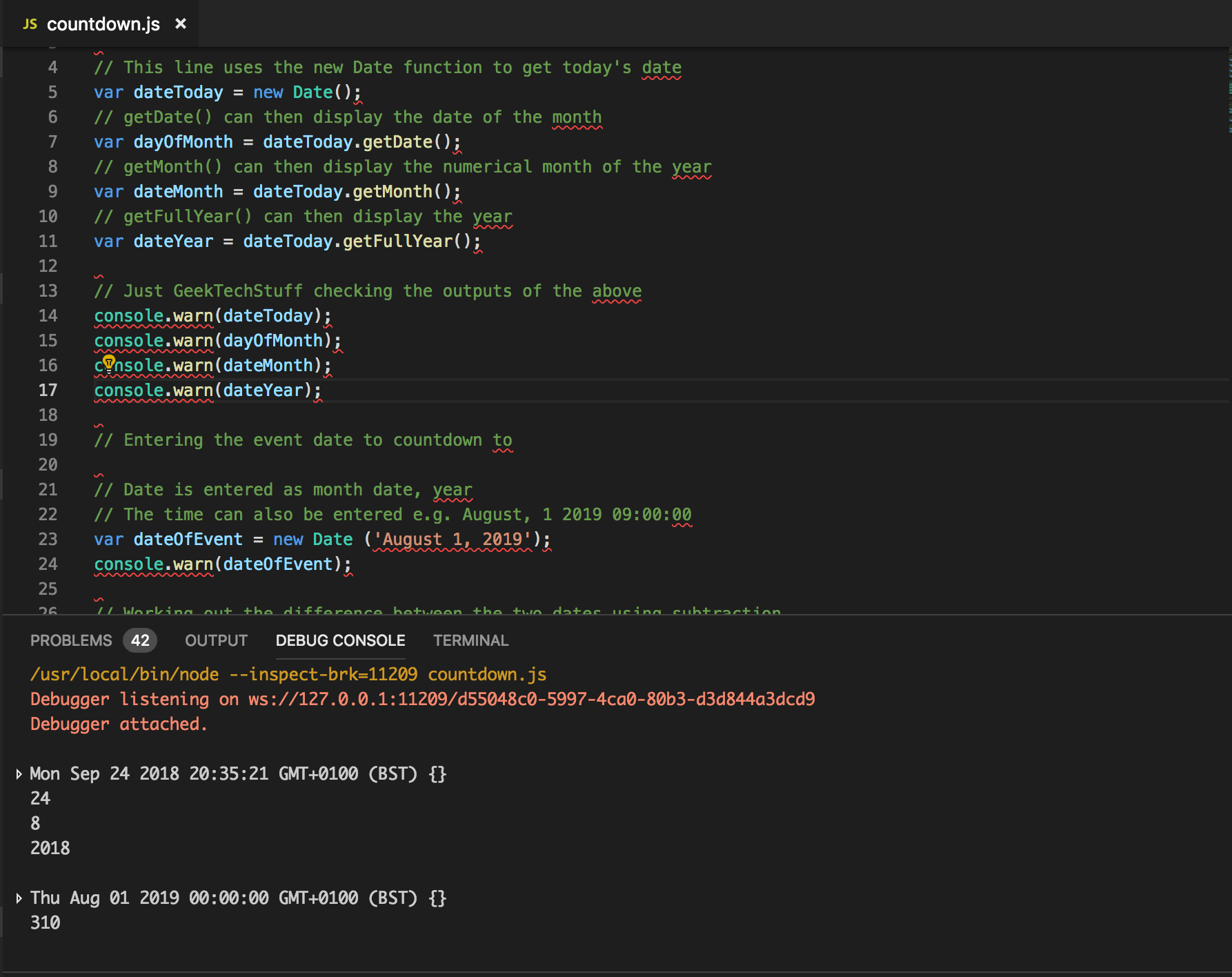
The date set by new Date() is the current date as per the devices system date/time. So if this is run on a device with an incorrect system date/time then it will report back an incorrect countdown figure.
Counting Other Intervals
I am counting down the days, however it can also be used to countdown other intervals by altering the formula on the line:
var days = Math.floor(differenceBetweenDates / (1000 * 60 * 60 * 24));
For hours:
var hours = Math.floor((differenceBetweenDates % (1000 * 60 * 60 * 24)) / (1000 * 60 * 60));
For minutes:
var minutes = Math.floor((differenceBetweenDates % (1000 * 60 * 60)) / (1000 * 60));
For seconds:
var seconds = Math.floor((differenceBetweenDates % (1000 * 60)) / 1000);
Updating a Web Page Element
The above could used to update a text countdown on webpage using document elements, e.g.
var countDownUpdate = document.getElementById(‘countDown’);
countDownUpdate.textContent = days+’ left until the big event!’;
This would get the element ID ‘countDown’ and then update it with the number of days left.



 GeekTechStuff
2 responses to “Countdown (JavaScript)”
[…] am revisiting my JavaScript Countdown to turn elements of it into JavaScript […]
LikeLike
[…] original Countdown blog post mentioned that the JavaScript could be used to update content on a webpage (e.g. the […]
LikeLike