
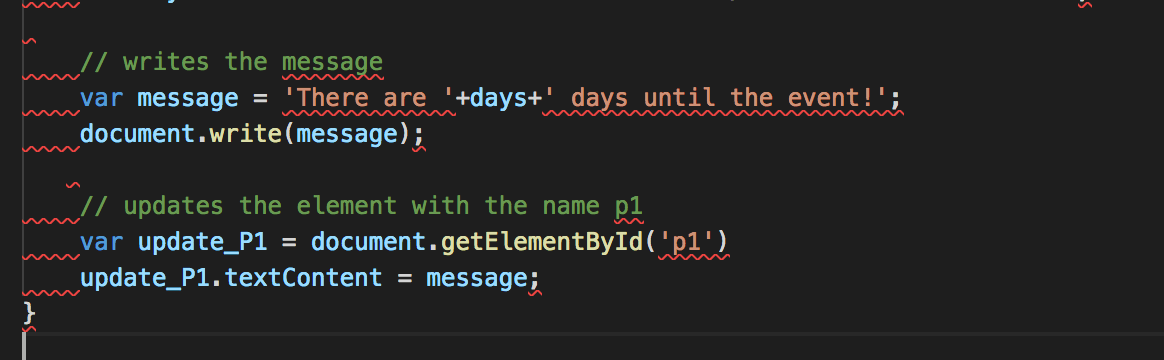
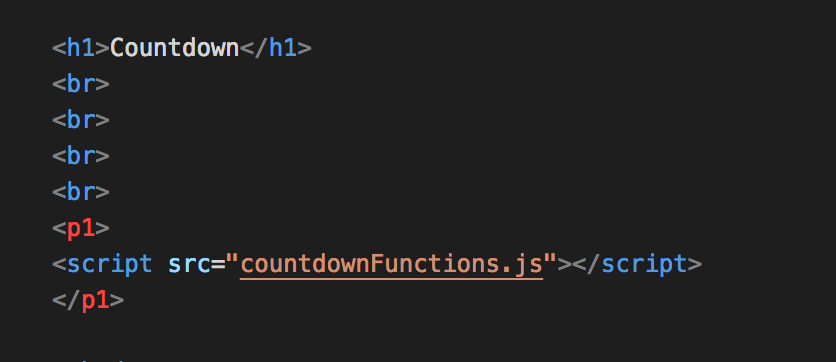
My original Countdown blog post mentioned that the JavaScript could be used to update content on a webpage (e.g. the countdown could countdown in real time and update on a page as it does so). I touched upon a method to do this, however I will expand a little bit on it here:
// writes the message
var message=’There are ‘+days+’ days until the event!’;
document.write(message);
The above method runs the script and posts the “message” where the script ran. It works okay for small scripts that only update one section of a page.
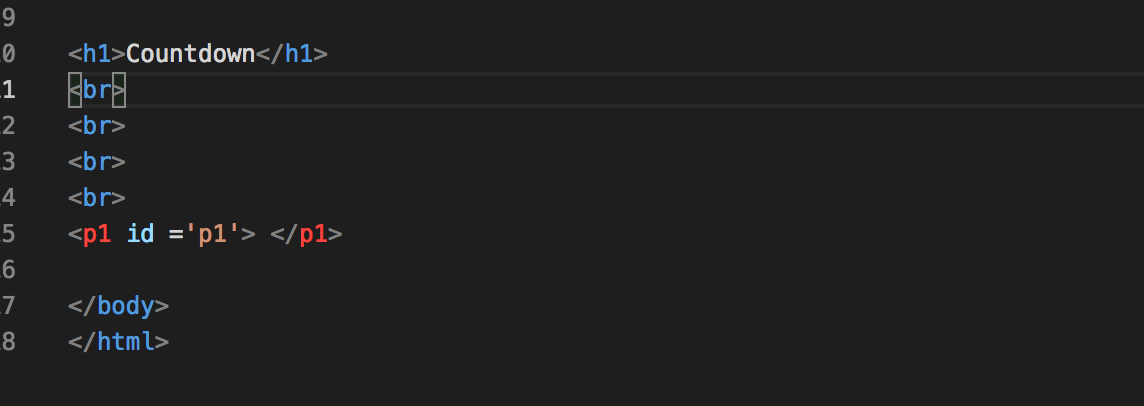
The below method looks through the HTML of the page for an element with the element ID of p1 and then updates p1’s content with the message.
// updates the element with the name p1
var update_P1=document.getElementById(‘p1’)
update_P1.textContent=message;
For this method to work the JavaScript .js file still needs to be linked, preferably in the HEAD section of the HTML file.


 GeekTechStuff
You must be logged in to post a comment.