
With it being the festive season and looking for something for my recent Inky PHAT purchase needing to be I used I decided to create a Countdown To Christmas.
I started off with a basic countdown in Python, where today’s date (2nd) is taken away from the 25th (Christmas Day).

Then I used the guidance provided by the excellent PiMoroni to create a small program that did the Christmas Countdown and display it on the Inky PHAT.

The original output did not go exactly as planned….
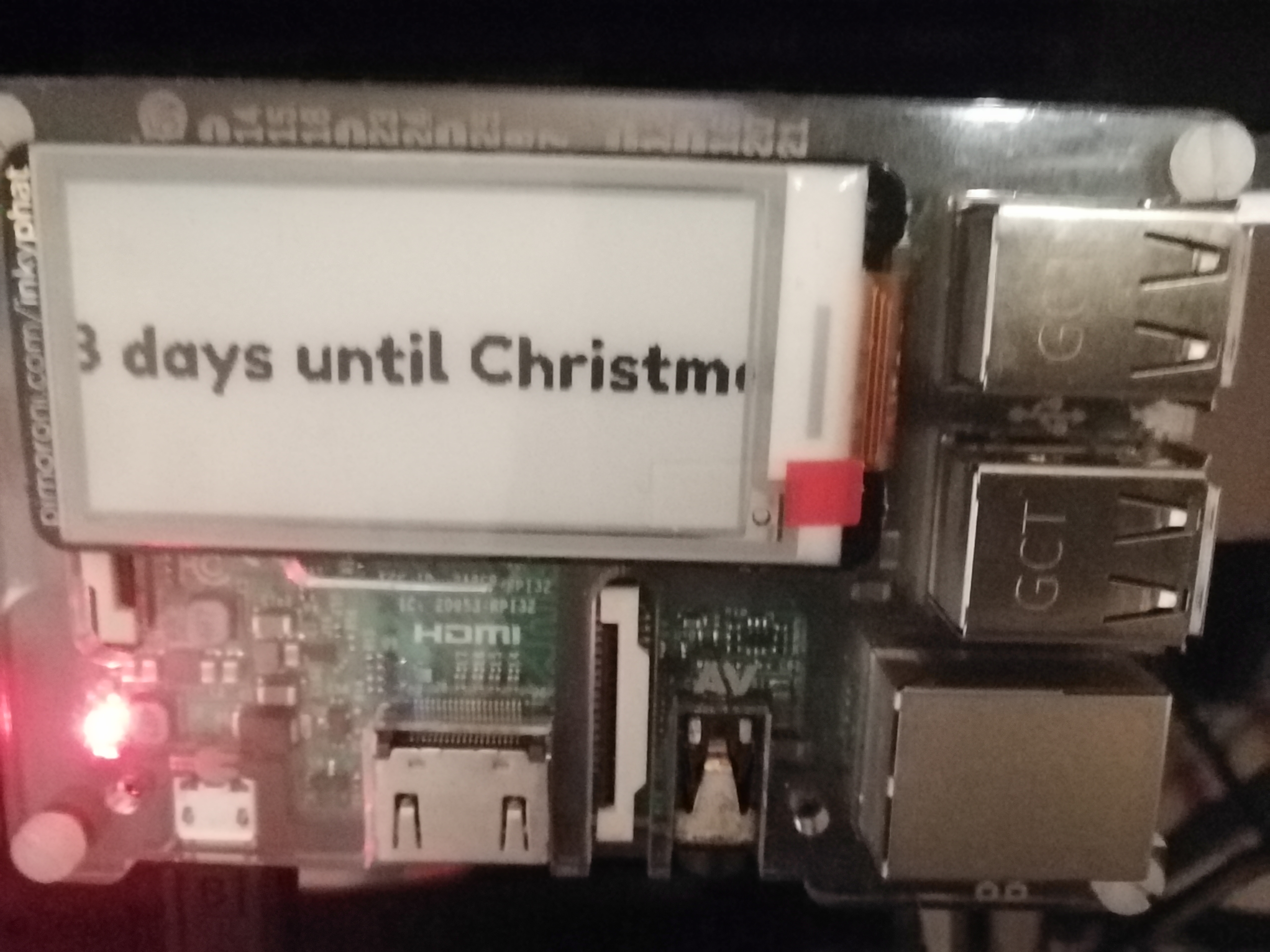
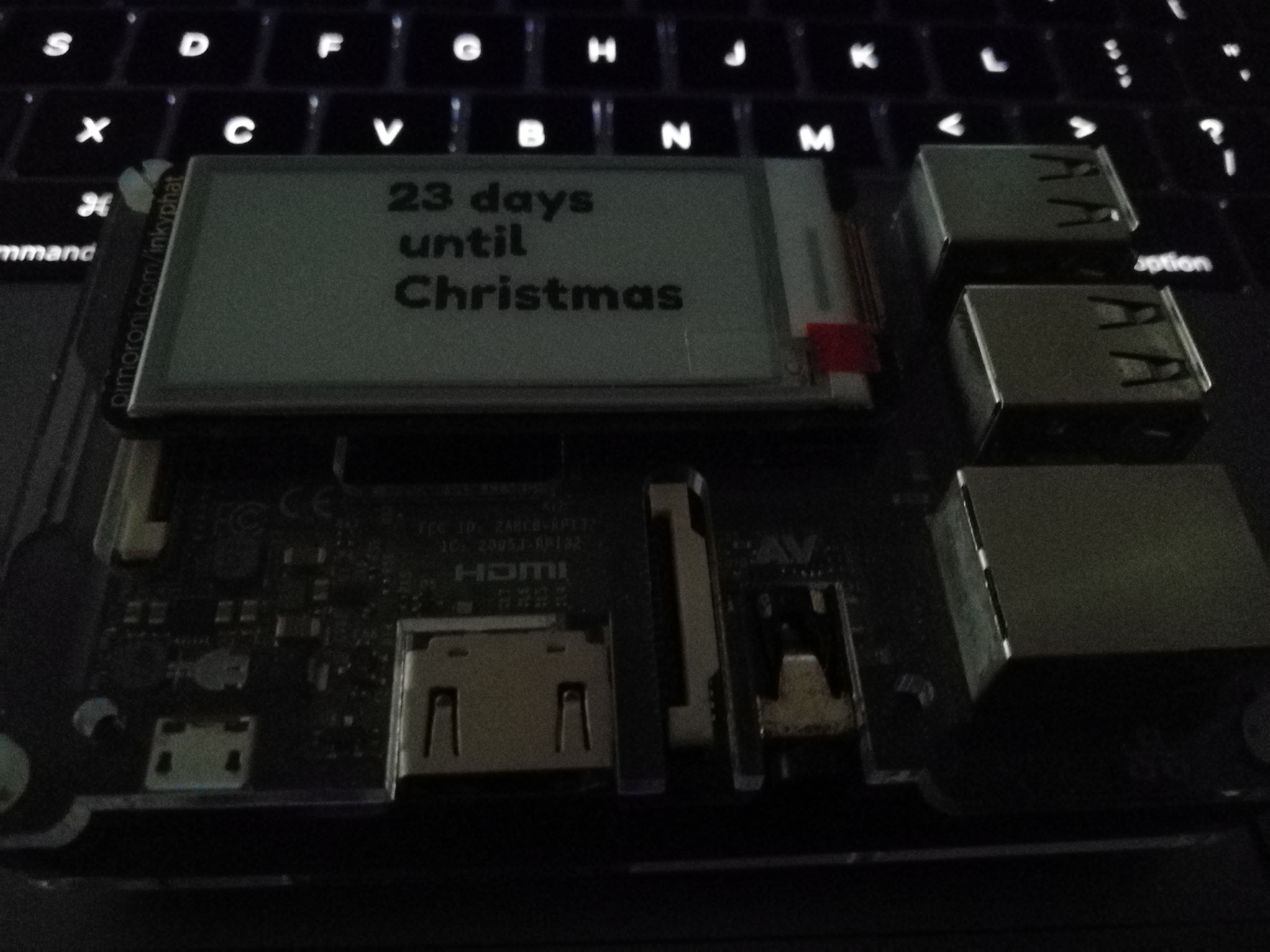
But with a little modification the Inky PHAT correctly displays the amount of days until Christmas.
——
#!/bin/python3
# geektechstuff
# import date from datetime
from datetime import date
# import the InkyPHAT library
from inky import InkyPHAT
# setting up InkyPHAT
inky_display = InkyPHAT(“black”)
inky_display.set_border(inky_display.WHITE)
# import Python Image Library modules
from PIL import Image, ImageFont, ImageDraw
# creates an image (img) and a then a canvas (draw) on the image
img = Image.new(“P”,(inky_display.WIDTH, inky_display.HEIGHT))
draw = ImageDraw.Draw(img)
# import font
from font_fredoka_one import FredokaOne
font = ImageFont.truetype(FredokaOne, 22)
# Calculate how many days to go
today = date.today().strftime(‘%d’)
today = int(today)
christmas = int(25)
days_to_go = christmas – today
days_to_go = str(days_to_go)
message_formatted = days_to_go + ” days \n until \n Christmas”
# create the message to display
message = message_formatted
w,h = font.getsize(message)
x = (inky_display.WIDTH / 1) – (w /2)
y = (inky_display.HEIGHT / 8) – (h/2)
# display the message
draw.text((x,y),message,inky_display.BLACK,font)
inky_display.set_image(img)
inky_display.show()
# just for geektechstuff to say its done
print(“InkyPHAT updated”)
——

I can now use CRON to schedule the program to run daily just after midnight so that it displays the correct amount of days left.



 GeekTechStuff
One response to “Christmas Countdown (Python / Raspberry Pi)”
[…] phats (Pi Hats). I have used some of these options in past project (e.g. a temperature project, a countdown display) and installation of the hats is generally very easy, i.e. power off the Pi and push the hat onto […]
LikeLike