
Imagine this scenario; you have several Raspberry Pi computers and want to install the various packages (Apache, PHP, MySQL, WordPress) needed to make them web servers. This might be because you have a Code Club lesson where you want students to interact more with how web servers work, or if you are rebuilding a Raspberry Pi.
You could follow instructions on building a LAMP Web Server manually OR you could use a BASH script and let the various installs happen without any interaction, which could be set to run via a CRON job to carry out the install at a certain time.
#!/bin/bash
apt-get upgrade -y
apt-get install apache2 -y
apt-get install php -y
service apache2 restart
apt-get install mysql-server php-mysql -y
service apache2 restart
cd /var/www/html/
rm *
tar xzf latest.tar.gz
mv wordpress/* .
rm -rf wordpress latest.tar.gz
chown -R www-data: .

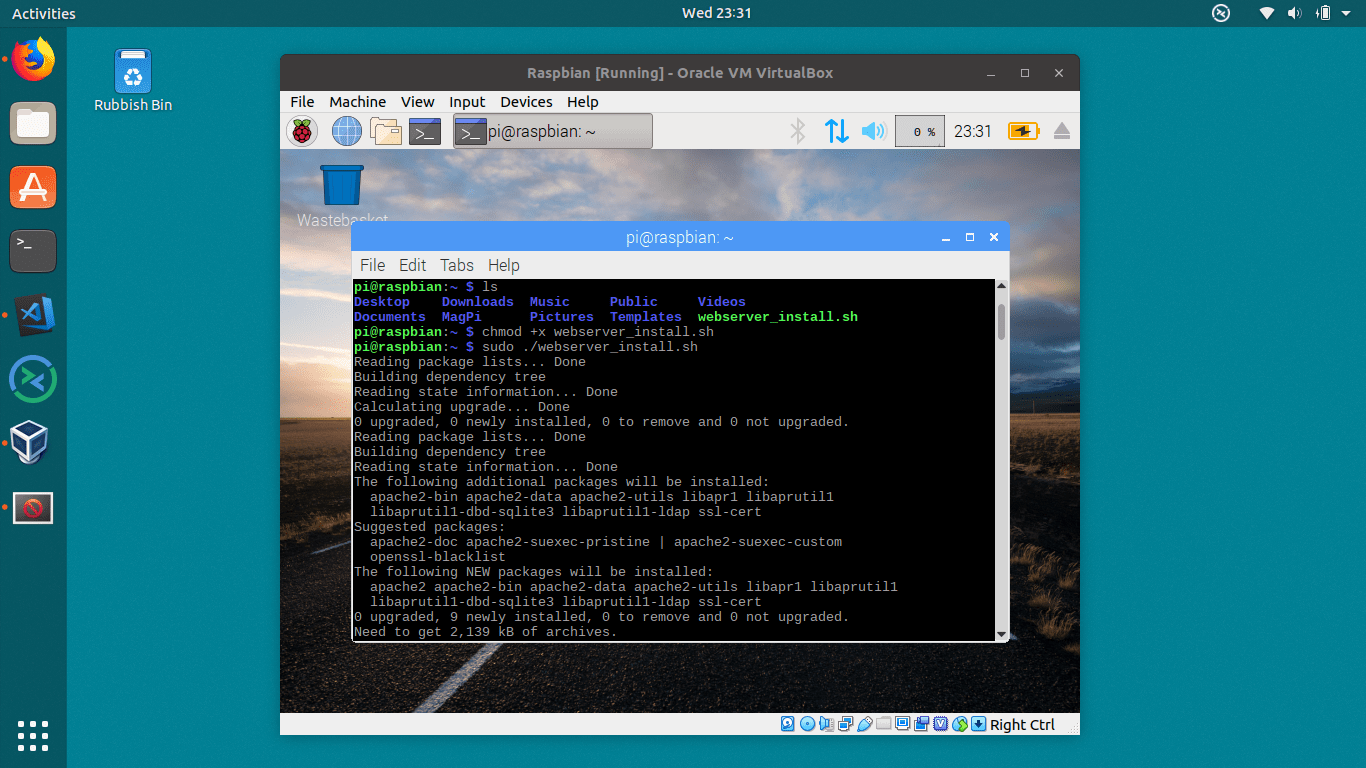
With the BASH script running (with sudo permissions) it runs through and installs the various packages.


With the packages installed MySQL and WordPress need configuring, as per:



 GeekTechStuff
3 responses to “Installing Web Server and WordPress via a BASH script (Rasbperry Pi)”
[…] my current Raspberry Pi themed posts (making a BASH script executable, installing web server in a BASH script) today I will be looking at network booting a Raspberry […]
LikeLike
[…] Apache / WordPress […]
LikeLike
[…] several Raspberry Pi (Linux) systems at once. Previously I have looked at network booting a Pi and BASH scripting installs, however today I am going to start […]
LikeLike