
Back in May I wrote an entry about installing Citrix Receiver on Mac OS. With my recent (re)interest in the Raspberry Pi I thought about using Citrix Receiver on it. Citrix Receiver allows a device to remote connect to another device (e.g. a Windows server) and offer solutions such as a Windows desktop or remote applications (e.g. a remote version of Microsoft Word).
For my test I am using a Raspberry Pi 3 (purchased summer 2017), which has since been superseded by the Raspberry Pi 3+ (2018). The Raspberry Pi 3 has an ARM Cortex quad core processor running at 1.2GHz, 1GB RAM, 4 USB ports, built in WIFI, outputs to HDMI and runs off a small voltage USB power adapter. The full specs are on Wikipedia and the product catalog is available on RaspberryPi.org. I am using it with (as of June 2018) current operating system called Raspbian Stretch (with desktop) and is available from https://www.raspberrypi.org/downloads/ .
Citrix offer a Linux download for their Receiver at https://www.citrix.com/downloads/citrix-receiver/linux/receiver-for-linux-latest.html , and with the Raspberry Pi 3 running Raspbian (based on Debian) on an ARM processor I downloaded the ARM HF version of Receiver.
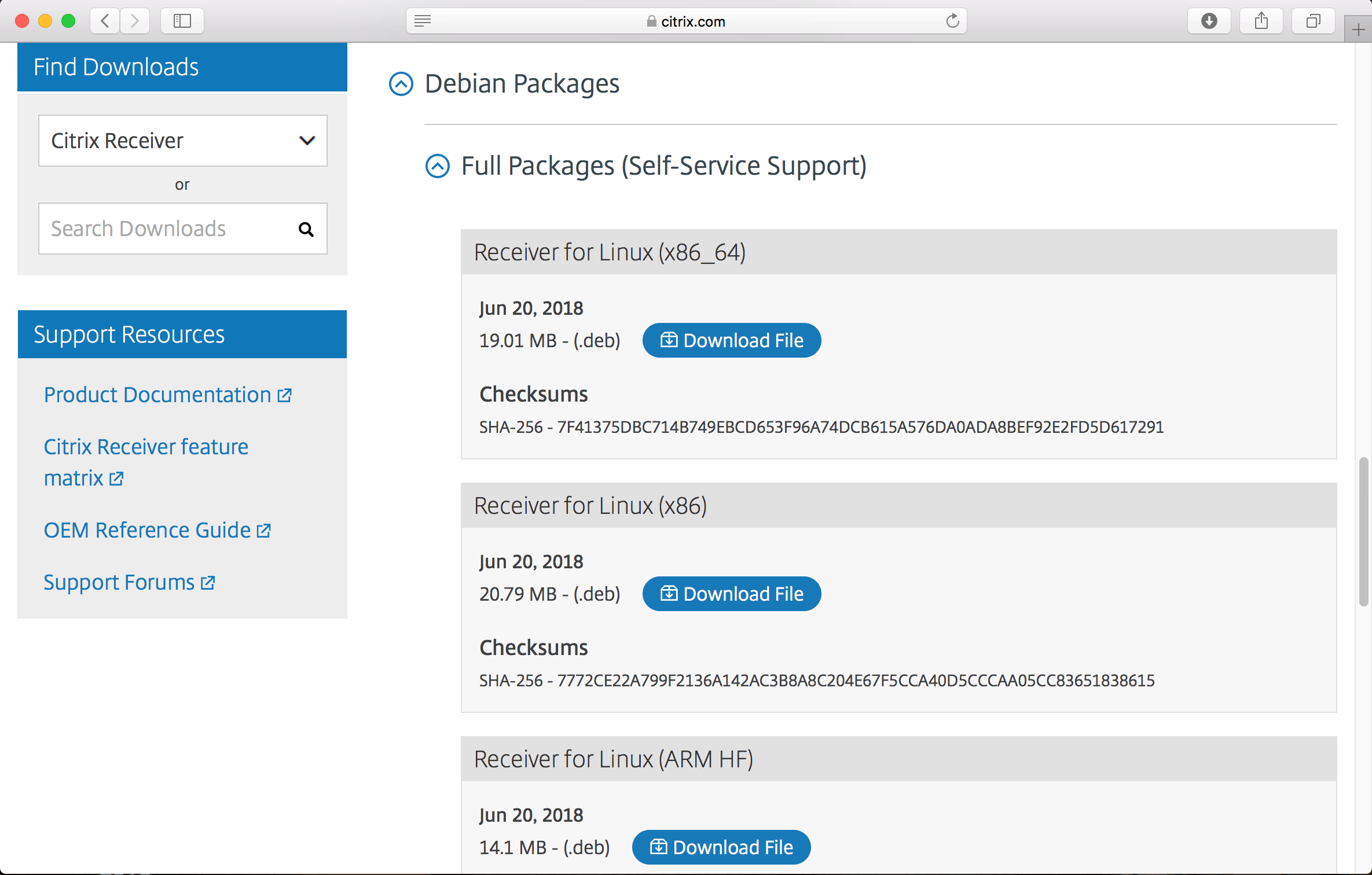
The Receiver download is a .deb (Debian) file. Once downloaded I fired up terminal, navigated to the location of the Receiver .deb file on my Pi and did the following commands:
- sudo apt-get update
- sudo apt-get upgrade
- sudo dpkg -i icaclient_13.10.0.20_armhf.deb
- sudo apt –fix-broken install
- sudo dpkg -i icaclient_13.10.0.20_armhf.deb
sudo (SuperUserDO) allows for a users commands to be elevated with higher privileges. The apt-get commands update the package catalog list and then up grades the installed packages. The dpkg -i command installs the Receiver .deb package, which on my Pi had an error due to a missing dependency, which is why I ran the –fix broken install command and then reran the install. After all this…
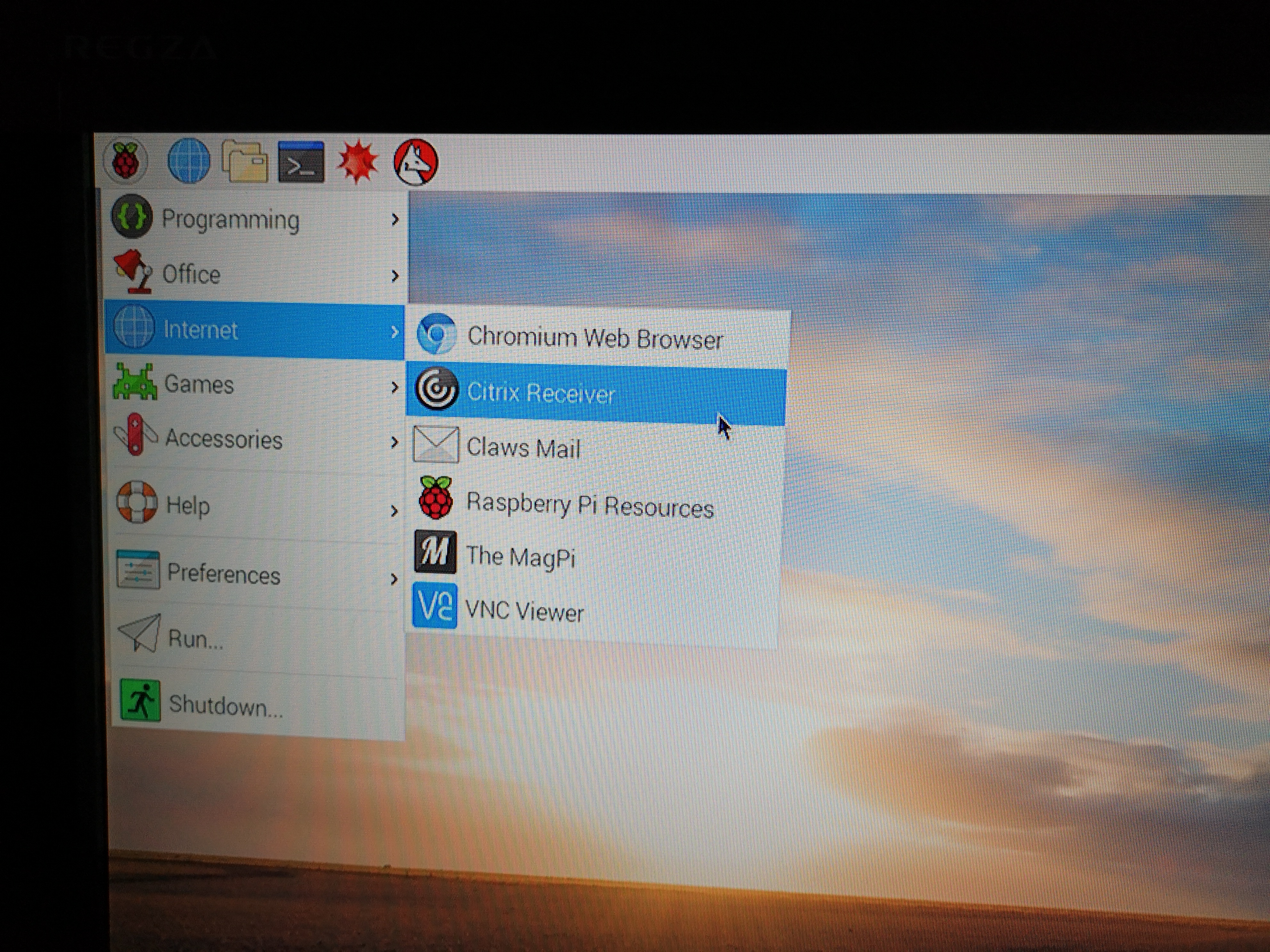
Citrix Receiver is installed and loads.

On a side note, Citrix are offering a Raspberry Pi based Citrix Thin Client; see here for more details: https://citrixready.citrix.com/program/workspace-hub.html
EDIT (OCT 2018): Receiver is now Workspace app; see https://geektechstuff.com/2018/10/11/citrix-receiver-becomes-citrix-workspace-app-october-2018/




 GeekTechStuff
3 responses to “Installing Citrix Receiver (Raspberry Pi)”
[…] the past I have wrote articles on installing Citrix Receiver on Mac OS and on the Raspberry Pi , however anyone looking for Citrix Receiver may now be a little confused as Citrix Receiver has […]
LikeLike
Hello Geek_Dude!
I had some issue with the line:
sudo apt –fix-broken install
finally I noticed that before of –fix are ‘–‘
Regards!
LikeLiked by 1 person
Hi, thank you for this tutorial !
Do you know if Citrix workspace is compatible with Raspberry PI 2 MODEL B ?
LikeLike