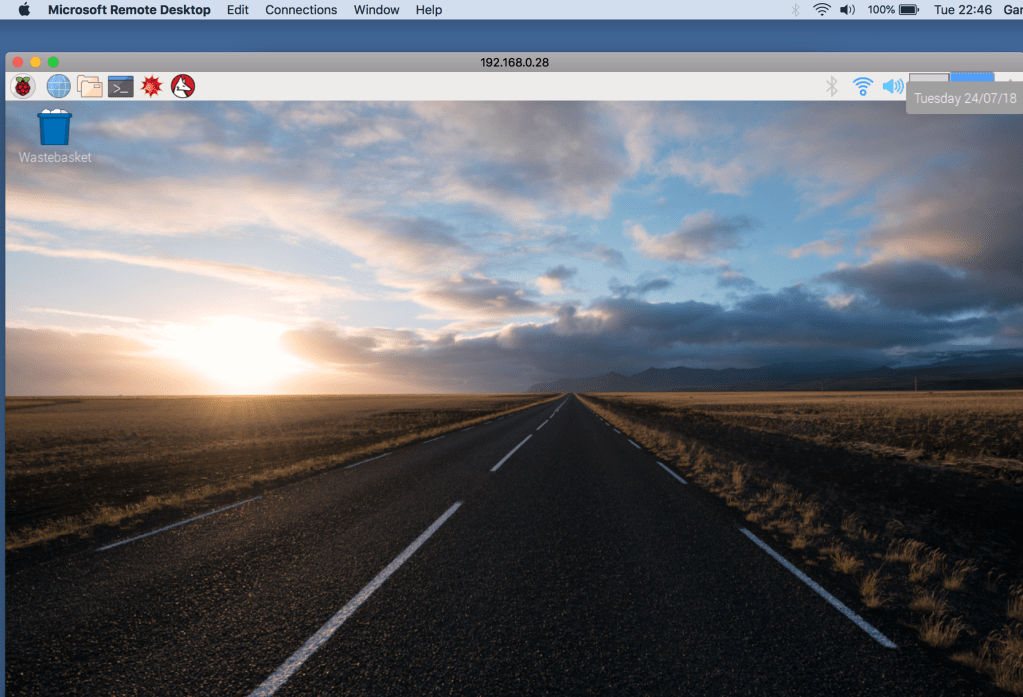
I normally SSH to my Raspberry Pi as I like using the terminal, however a recent task meant that I had to use a remote desktop connection to the Pi so that I could take screen grabs of the Pi desktop whilst on my Mac.
The first part of this was installing Microsoft Remote Desktop from the Apple App Store:

Then I used Terminal to SSH to my Raspberry Pi and ran;
- apt-get update
- apt-get upgrade
- apt-get install xrdp
xrdp is the application on the Pi that will allow for an remote desktop connection to the startx desktop. The apt-get update/upgrade brings Raspbian up to date and make sure its pointing to the most up to date repositories.
With xrdp installed on the Raspberry Pi, its just a case of opening Microsoft Remote Desktop:
 Clicking the + and adding a desktop (hostname or IP of the Pi) and connecting with the username/password of an account on the Pi:




 GeekTechStuff
One response to “Remote Desktop (Raspberry Pi)”
[…] yesterdays post around using a remote desktop connection to connect from my Mac to my Pi I decided to add some […]
LikeLike