-
 Continue reading →: Changing Permissions Via Chmod (Linux)
In my previous blog post I discussed how Linux file permissions work, and now I am going to discuss how to change permissions using chmod. Note: Only the object owner, superuser or root account can change the permissions of a file/folder. chmod chmod is the command used to change the…
-
 Continue reading →: Raspberry Pi Live Camera Webpage Feed V1 (Python / Raspberry Pi)
I’ve had a Raspberry Pi camera module (v1) since spring 2015, but I’ve rarely put it to use. With some spare time on my hands I have decided to see if I can build a camera feed on a webpage. Before I continue I should point out that if you…
-
 Continue reading →: Viewing Permissions (Linux)
Permissions on Linux can be a little confusing if you are new to Linux. Today my aim is to write a blog post to help with a discussion on viewing permissions and how permissions work. Viewing Permissions I personally use the command ls -ahl which should return all the files/folders within…
-
 Continue reading →: Modifying A Pod To Use A Persistent Volume / Persistent Volume Claim (Kubernetes)
This blog post is going to look at connecting a Kubernetes pod to a Persistent Volume (PV) using a Persistent Volume Claim (PVC). I have split my blog posts whilst I have been learning about Kubernetes as they were getting quite lengthy and each is worthy of its own space.…
-
 Continue reading →: Persistent Volume Claims (Kubernetes)
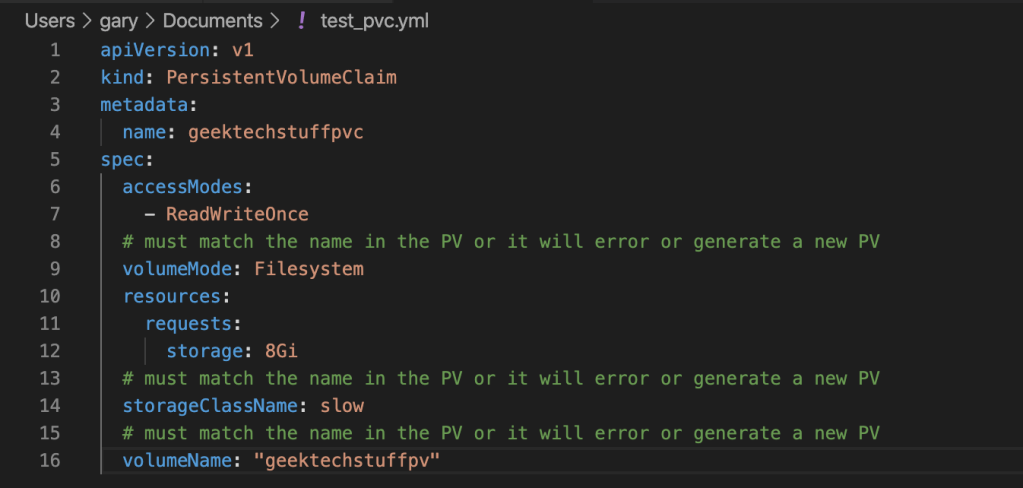
With the Kuberenetes Persistent Volume (PV) created, it is time to look at the Persistent Volume Claim (PVC). Originally this blog post was going to be part of the PV post but that grew to nearly 1000 words before I got to this subject, so I split it into its…
-
 Continue reading →: Kubernetes and Volumes: Introducing Host and Persistent Volumes (Kubernetes)
In my last blog post I discussed how to create a pod in Kubernetes, in this blog post I hope to take this a little further by adding a volume. There are probably many reasons why you want to add a volume into Kubernetes, such as persisting data from one…
-
 Continue reading →: Creating A Pod (Kubernetes)
I am currently learning more about Kubernetes and need to make sure I’m understanding it correctly, which means more blogs about Kubernetes in my wording for future reference. MiniKube I’m running Kubernetes locally on my MacBook via MiniKube. If you want to follow along please install MiniKube as per the…
-
 Continue reading →: File Checking With File (Linux)
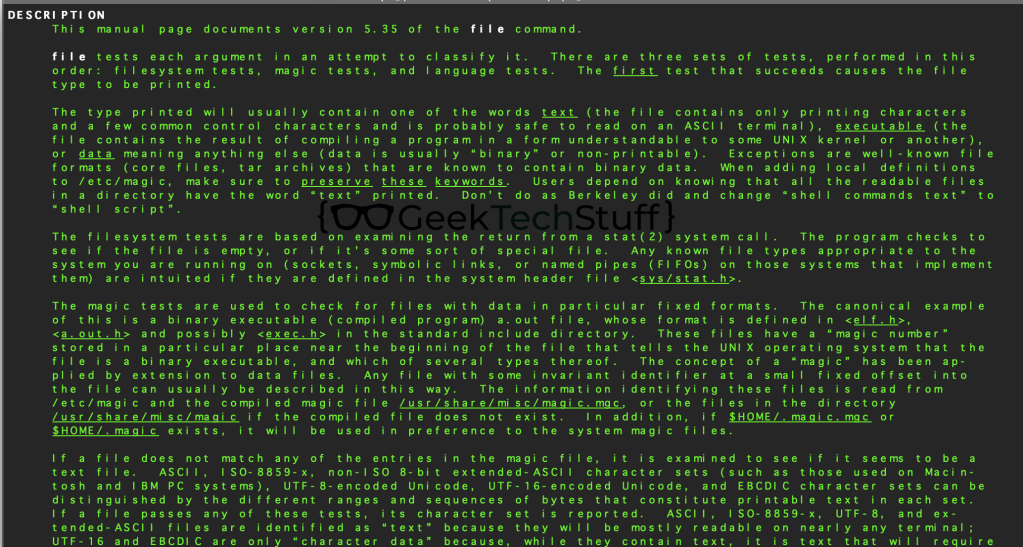
It does not take much for a file / folder structure to become a bit messy, especially if it is a folder containing downloads. One of the common issues that can occur is for file extensions being lost or wrote over by mistake. For todays post I am going to…
-
Continue reading →: New Drawers Or Cat’s New Den?
Less of a tech post and more of a fun post today to show that the GeekTechStuff cat (#CatsThatCode) has decided on a new den inside the recently built desk drawers. Don’t worry it will be back to the regular posts after this, just thought it would be nice to…
-
 Continue reading →: Encrypting Files With Ansible Vault (Linux)
Ansible is a piece of configuration management software that can be used to manage a few computers or a lot of computers and as it does not install a client on the end device it (it’s configuration, playbooks and settings) can all be maintained on one computer which acts as…
Hello,
Welcome to GeekTechStuff

My home away from home and where I will be sharing my adventures in the world of technology and all things geek.
The technology subjects have varied over the years from Python code to handle ciphers and Pig Latin, to IoT sensors in Azure and Python handling Bluetooth, to Ansible and Terraform and material around DevOps.
Let’s connect
Join the fun!
Stay updated with the sites latest blog posts by joining the newsletter.

 GeekTechStuff
You must be logged in to post a comment.