-
 Continue reading →: Installing Ansible (Raspberry Pi)
My professional day-to-day role sees me administrating Windows OS based systems using Microsoft System Centre Configuration Manager (SCCM) and Active Directory/Group Policy. Knowing what tools are available to manage so many Windows systems at once I’m looking for something similar to manage several Raspberry Pi (Linux) systems at once. Previously…
-
 Continue reading →: Raspbian OS Buster Upgrade (Raspberry Pi)
Raspbian Buster is available and, if like me, you cannot currently afford to upgrade to a Raspberry Pi 4 and you don’t want to install Buster from fresh then it is time to do an in place operating system (OS) upgrade. I am going to doing this in place upgrade…
-
 Continue reading →: Configuring A Firewall (Raspberry Pi)
In the previous post I discussed the basics of setting up the UFW firewall on a Raspberry Pi, now I’ll dig into some of the slightly more advanced features. Numbered Rules Every allow, deny or limit that UFW is told about is remembered as a numbered rule. To view the…
-
 Continue reading →: Installing A Firewall – Basics (Raspberry Pi)
If you are opening your Raspberry Pi to the internet then security should be a concern/part of your project design. So today I’m going to look at configuring a software firewall called UFW. Installing UFW Installing a firewall on the Raspberry Pi (Raspbian) is accomplished easily via the terminal and…
-
 Continue reading →: AWS AWSomeDay June 2019
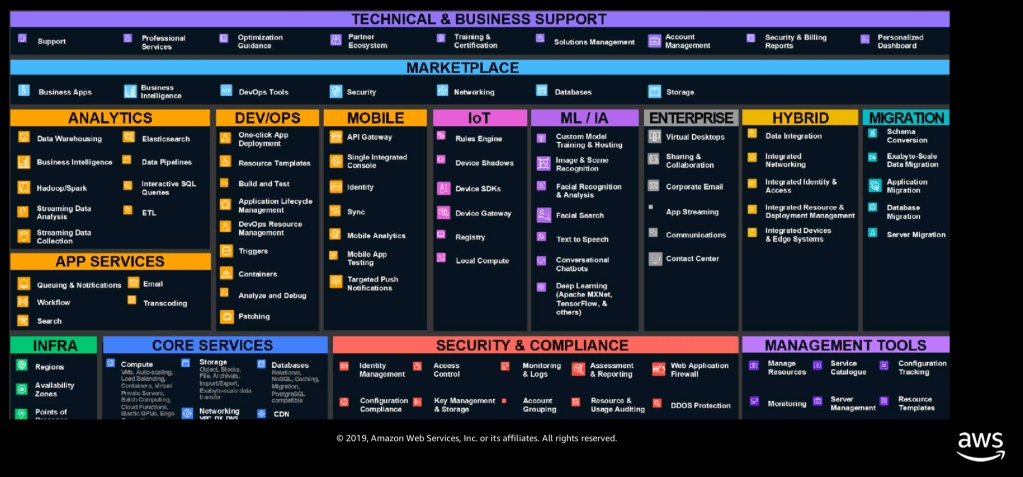
Today (18th June 2019) I had the fantastic opportunity to attend (virtually) the Amazon Web Services (AWS) AWSomeDay conference. Up to now most of my cloud experience (both personally and professionally) has been via Microsoft Azure, which has allowed me to have fun completing various projects (bots, cognitive vision, temperature…
-
 Continue reading →: Using a Kindle as an eInk Clock (Java)
Earlier on today I used Python (via Flask, some HTML and my Raspberry Pi) to help turn my Amazon Kindle into an eInk digital clock. This was cool and I was happy until I decided I wanted to do the same thing via Java and TomCat. For this project I…
-
 Continue reading →: Using a Kindle as an eInk Clock (Python)
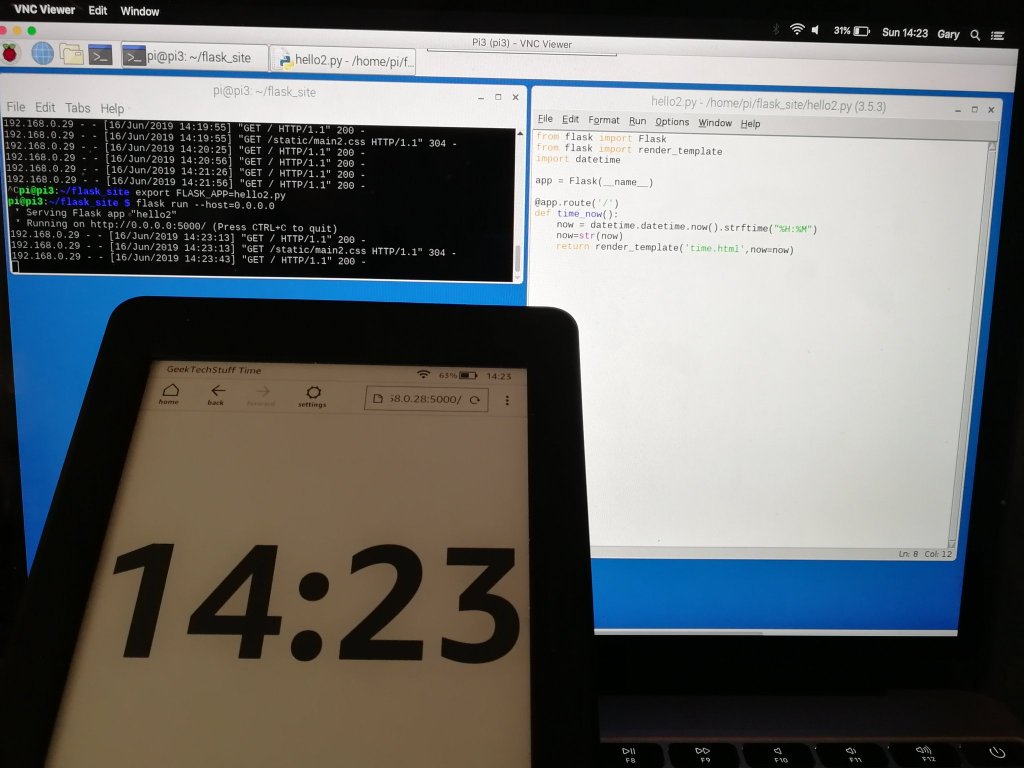
A little bit of a mini weekend project today as I wanted to put my Amazon Kindle to use when I’m not reading, and decided that the Kindle’s “Experimental Browser” could be useful. How about an eInk digital clock… Note: I’m using Python for this project but similar results could be…
-
 Continue reading →: Creating A GUI Form Window (Java)
As much as I enjoy creating programs that run in a command line / terminal, the majority of end users prefer a program to have a Graphical User Interface (GUI). I have managed to put a GUI on the front of some of my Python projects, so today I am…
-
 Continue reading →: Caesar Cipher (Java)
One of the earlier programs I wrote in Python was a Caesar Cipher (later updating it to add a GUI). As part of my recent Java learning I have created a Caesar Cipher in Java. If you want to read more about Caesar Ciphers then please check out: https://en.wikipedia.org/wiki/Caesar_cipher I…
-
 Continue reading →: Returning Values From Methods (Java)
As my Java adventure continues I look today at returning values from methods. So far the methods I have discussed have completed a task but have not returned any values to the main method. The previous methods have been defined as: public static void methodName(){ method } I’ve put the…
Hello,
Welcome to GeekTechStuff

My home away from home and where I will be sharing my adventures in the world of technology and all things geek.
The technology subjects have varied over the years from Python code to handle ciphers and Pig Latin, to IoT sensors in Azure and Python handling Bluetooth, to Ansible and Terraform and material around DevOps.
Let’s connect
Join the fun!
Stay updated with the sites latest blog posts by joining the newsletter.


 GeekTechStuff