-
 Continue reading →: Convert Words To Pig Latin (Python)
One of the early “practise” programs that Impractical Python (reviewed here, available from No Starch Press) is to convert words into Pig Latin. I’ve given it a shot and although I need to work on PEP-8, I managed to create a program that does it within 25 lines (including shebang…
-
 Continue reading →: Caesar Cipher With GUI (Python)
I have been learning more about Tkinter recently and decided to revisit the Caesar Cipher I did back at the beginning of the year to see if I could add a GUI (Graphical User Interface) to it. I find revisiting older project and adding new learnings onto them helps to…
-
 Continue reading →: Creating A Progress Bar (Python)
An item I have felt missing from my Python projects when using the Tkinter modules is a progress bar. I’ve decided to correct that. —— #!/bin/python3 # geektechstuff # progress bar # modules to import from tkinter import * # ttk makes the window look like running Operating System’s theme…
-
 Continue reading →: Christmas Countdown (Python / Raspberry Pi)
With it being the festive season and looking for something for my recent Inky PHAT purchase needing to be I used I decided to create a Countdown To Christmas. I started off with a basic countdown in Python, where today’s date (2nd) is taken away from the 25th (Christmas Day).…
-
 Continue reading →: Move Folders Using Values From CSV (PowerShell)
This evening I came up with a way for PowerShell to move multiple folders depending on names in a CSV. Below I will describe the scenario and my PowerShell scripts coding. Imagine you had a folder structure on your device (or network share) containing folders named after the users that…
-
 Continue reading →: November_2018 = document.getElementById(‘Update’)
I can’t remember the last time I did a blog entry just about me and not a program/code that I’ve been working on. November 2018 has been quite a month, so I have decided to do one now. Training I’ve spent most of it hitting up LinkedIn Learning to increase…
-
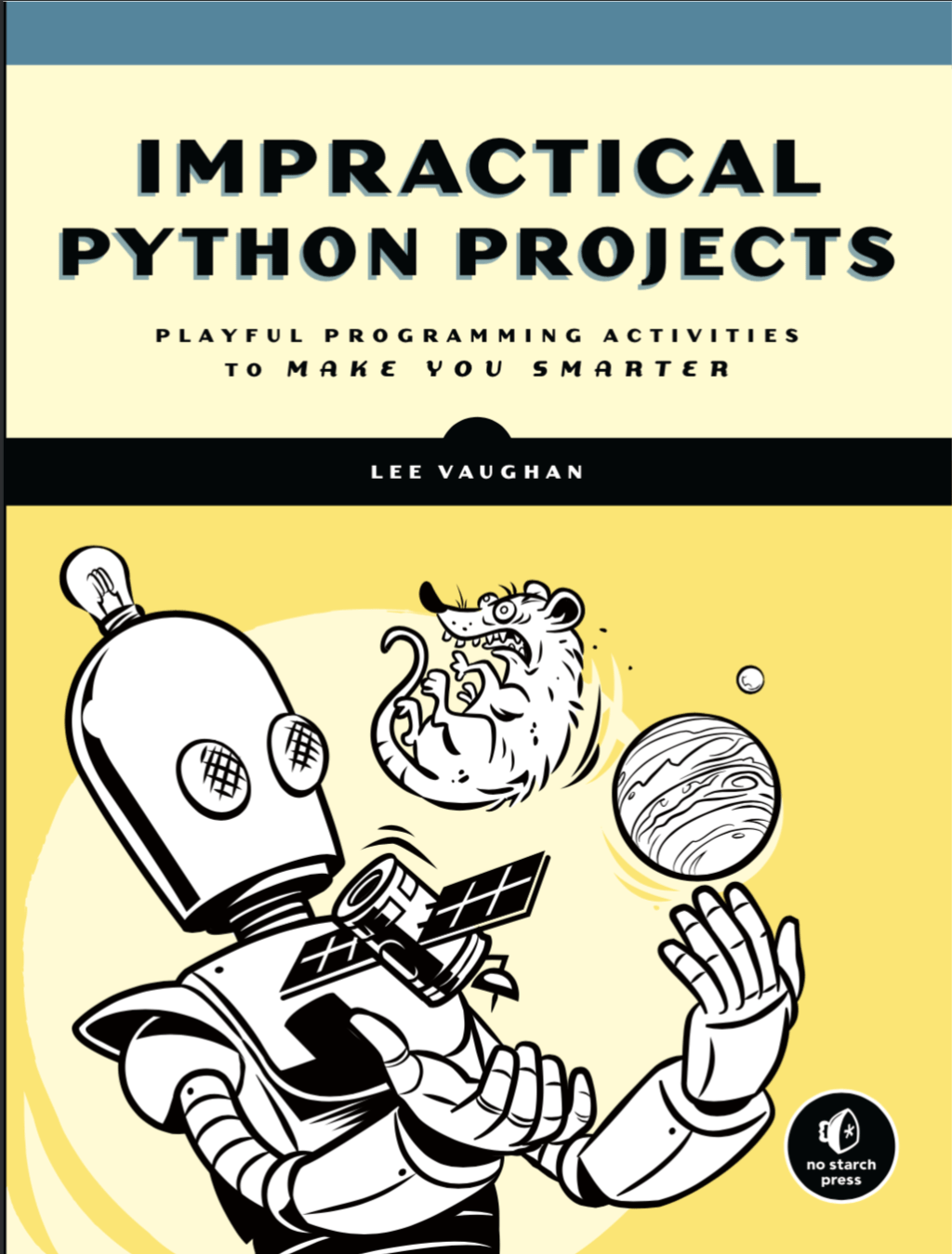 Continue reading →: Impractical Python Projects – Book Review (Python)
I have been given the opportunity to review “Impractical Python Projects” by Lee Vaughan, published by No Starch Press. First in the interest of fairness and openness; No Starch Press has very kindly given me a copy of the book for free. I first found out about No Starch Press…
-
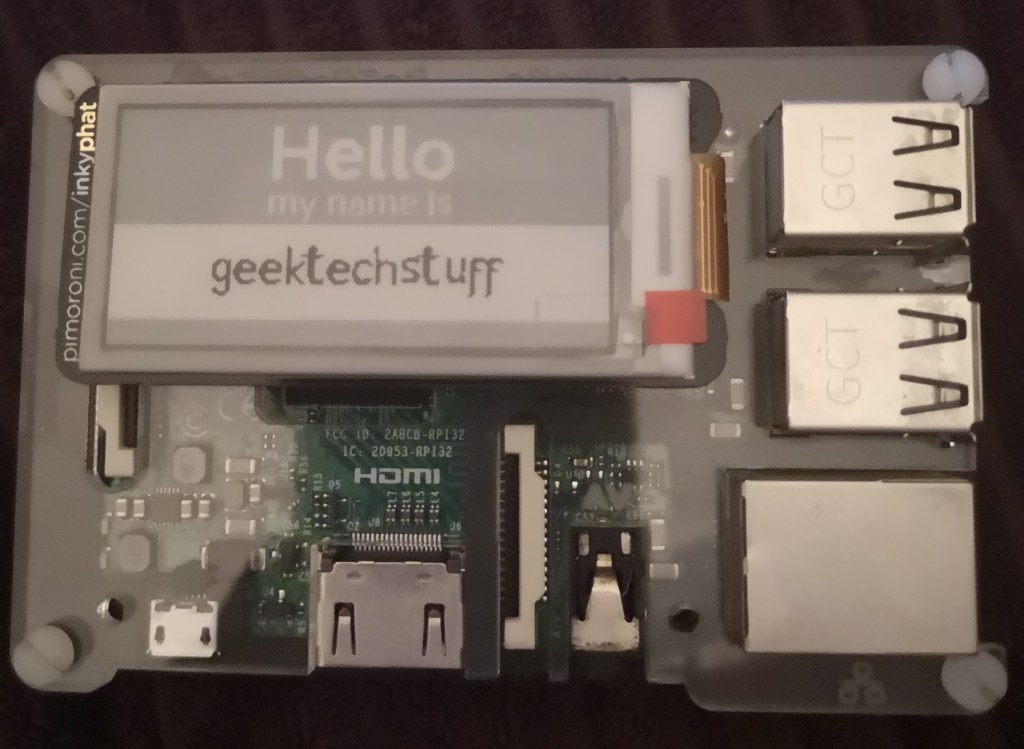 Continue reading →: InkypHAT (Raspberry Pi)
I got home today to find that my Pimoroni order of an Inky pHAT had arrived. The Inky pHAT is a Raspberry Pi add-on that is an e-ink (electronic ink) screen. Using the Inky pHAT and the supplied Python library the Raspberry Pi can out put text and images to…
-
 Continue reading →: Searching Through Files With Grep (Raspberry Pi)
Typically when using the search function in an operating system it returns just files where the titles contain the search terms. However as Raspbian is a Linux OS it contains a powerful search option within the Terminal called Grep. Grep was created in 1974 by Ken Thompson and allows for…
-
 Continue reading →: Installing Docker (Mac)
This evening I have started some training on LinkedIn Learning about Docker. Docker is software that allows for software to be placed in virtual containers containing the software and all its dependencies. Unlike virtual machines which virtualise the hardware and contain an operating system, a container runs just above the…
Hello,
Welcome to GeekTechStuff

My home away from home and where I will be sharing my adventures in the world of technology and all things geek.
The technology subjects have varied over the years from Python code to handle ciphers and Pig Latin, to IoT sensors in Azure and Python handling Bluetooth, to Ansible and Terraform and material around DevOps.
Let’s connect
Join the fun!
Stay updated with the sites latest blog posts by joining the newsletter.






You must be logged in to post a comment.